Best Dark Codex Skins for Night Coding (2026)
The best dark Codex Desktop and CLI skins for late-night sessions — gothic palettes, neon cyberpunk themes, and terminal classics, with install prompts included.
A good dark theme does more than look cool — it reduces eye strain, keeps contrast comfortable at night, and helps you focus by hiding the browser-chrome clutter. Here are the best dark Codex skins in the index, ranked by installs and mood.
1. Gothic Void Expedition — the built-in default
The engine’s default preset proves dark doesn’t mean lifeless. A solemn cathedral-horizon palette with deep blue-blacks, it’s the safest choice if you want a polished dark look without hunting for a preset.
Codex, switch my workspace to the 'Gothic Void Expedition' preset from Codex Dream Skin — a solemn cathedral-horizon dark sci-fi theme.- Mood: Dark & Midnight · solemn
- Installs: 2,100+
- View skin
2. Mythic Guardian Noir — guardian noir palette
Pulled from the ChannelerH open skin pack, this one pairs near-black surfaces with muted highlight tones — a great middle ground between pure black and colored darks.
Codex, apply the 'Mythic Guardian Noir' theme from the ChannelerH codex-skin-packs collection — a dark guardian noir palette.- Mood: Dark & Midnight · mysterious
- View skin
3. Cyber Neon — neon cyberpunk energy
If “dark” for you means neon on black, Cyber Neon delivers: vivid magenta highlights over deep charcoal. Best for statement desktops and terminal-future vibes.
Codex, switch my workspace to the 'Cyber Neon' engine preset — a neon cyberpunk theme.- Mood: Neon & Cyberpunk · vibrant
- View skin
4. Monokai Stone — the terminal classic
The beloved Monokai Stone syntax palette, ported to Codex CLI. Perfect for terminal-first workflows where syntax clarity matters more than chrome.
curl -fsSL https://raw.githubusercontent.com/vufly/bearded-theme-ports/master/scripts/install-codex.sh | sh
# then in Codex CLI run:
/theme Monokai Stone- Mood: Mono & Terminal · crisp
- View skin
What makes a dark Codex skin “good”?
- Contrast without glare: dark background, but text luminance kept high enough for readability.
- Accent discipline: one or two accent colors (teal, magenta, amber) used sparingly.
- Comfort at night: avoid pure #000 — slightly tinted blacks reduce halation on OLED and IPS alike.
Install any of these in one step
Open the skin’s detail page, copy the install prompt, paste into Codex. See the full install guide if you’re new to Codex skins.
Browse all Dark & Midnight skins or the complete skin index.
Skins mentionnées dans cet article
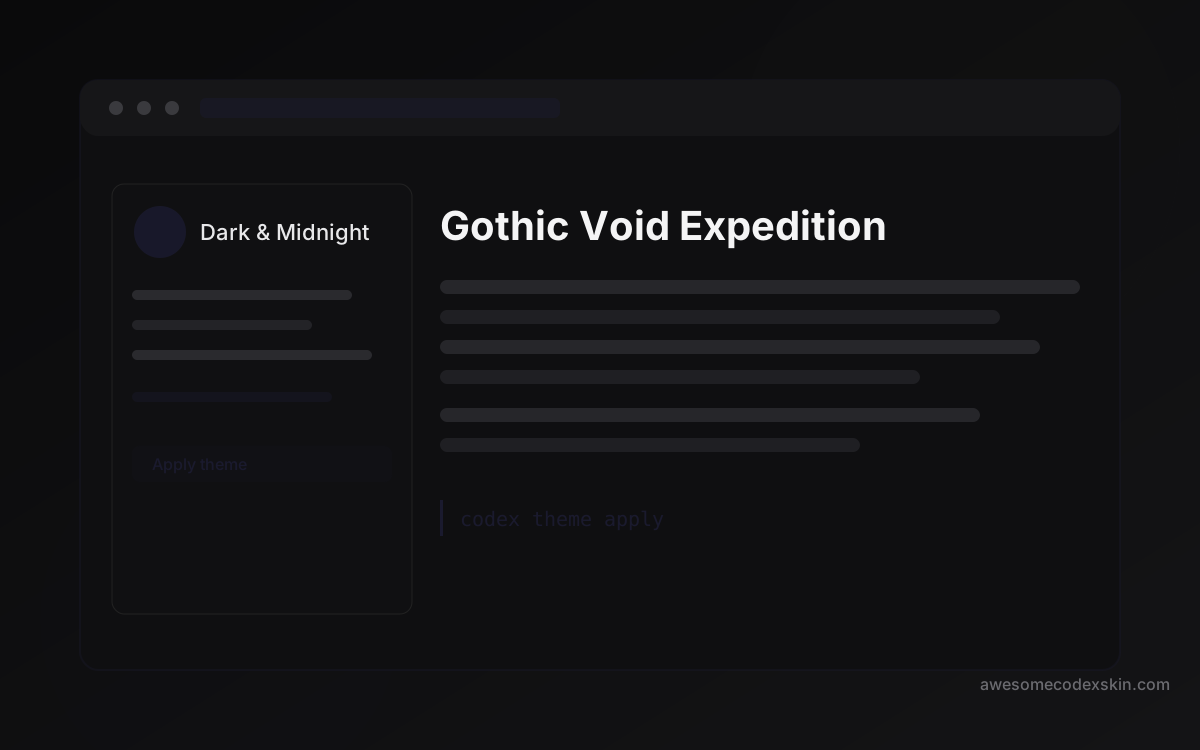 Gothic Void Expedition 2,103 installations
 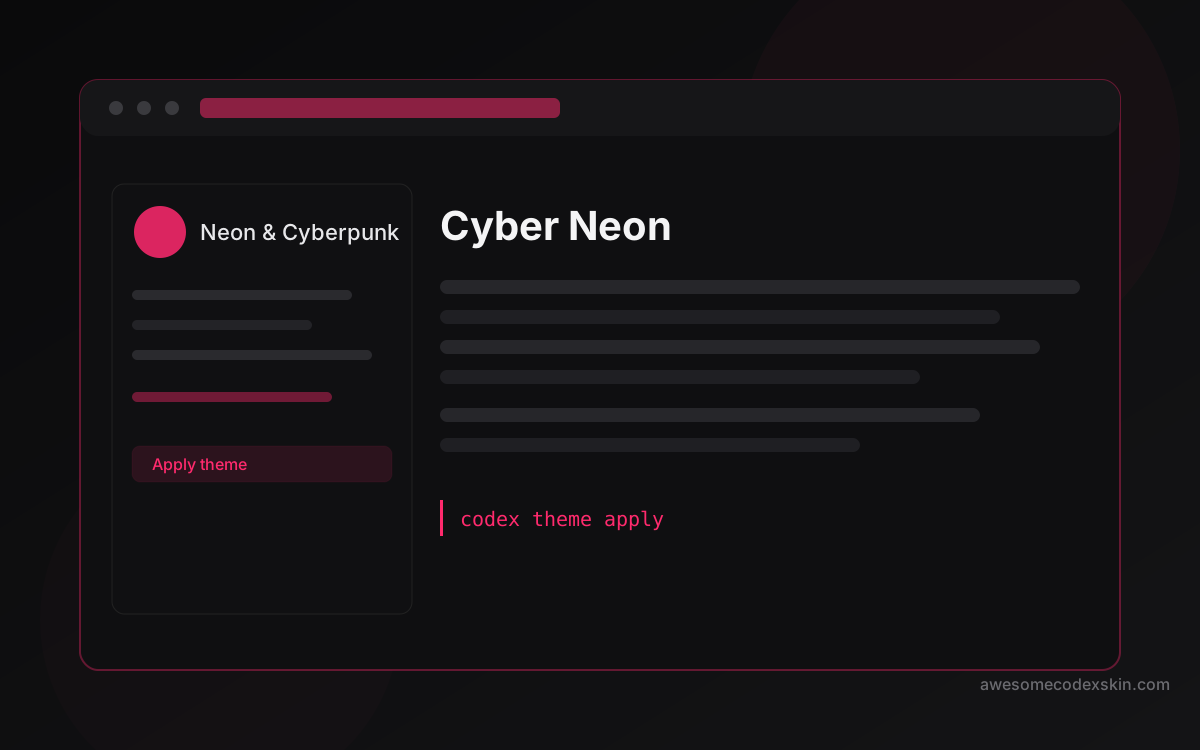 Cyber Neon 1,180 installations
 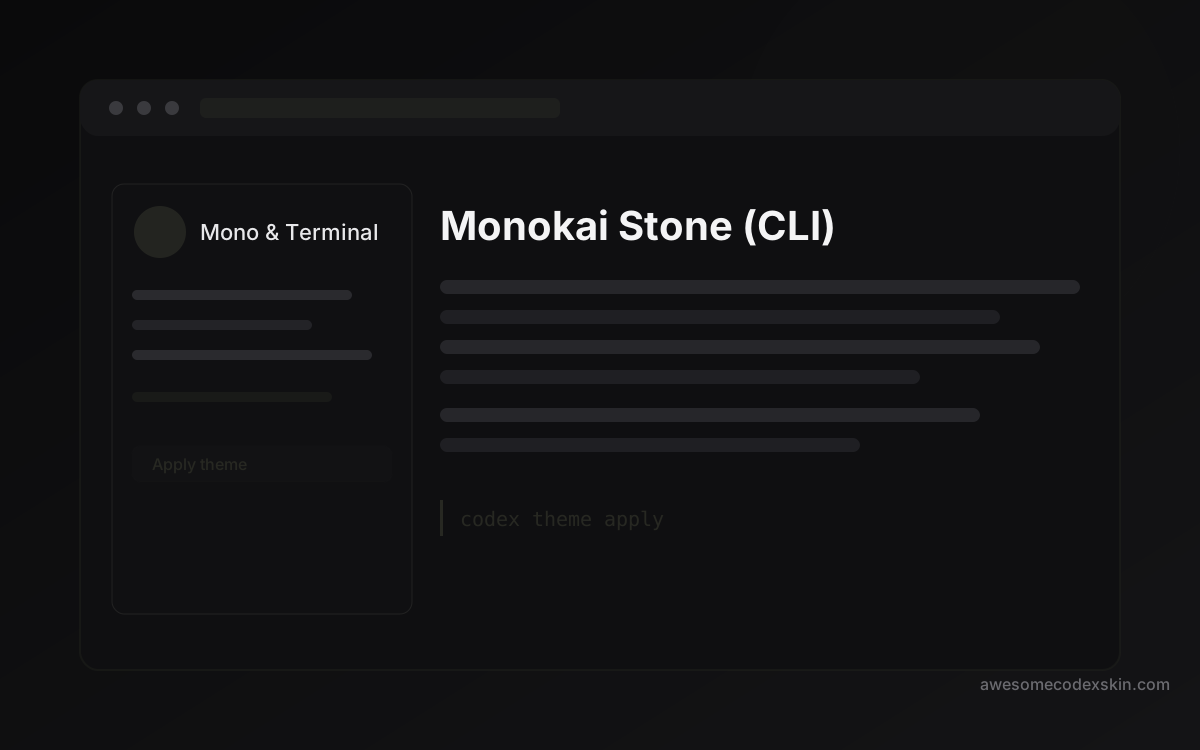 Monokai Stone (CLI) 1,500 installations
 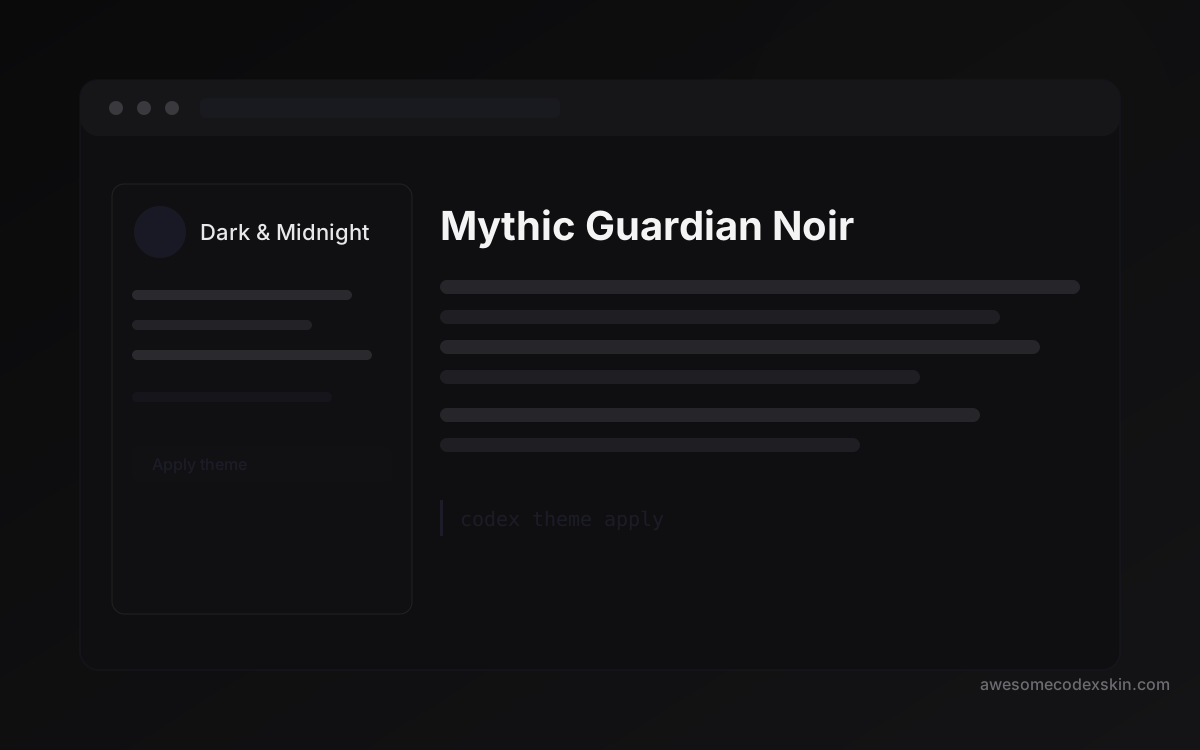 Mythic Guardian Noir 740 installations
 Tout voir skins .