Codex Skin Engines Compared: Dream Skin vs Skin Manager vs ReTheme vs CLI vs Codepilot
Five ways to skin Codex, one clear comparison. Which engine fits you — install style, preset support, platforms, and how easy it is to switch or uninstall.
There are five mainstream ways to put a skin on Codex, and they work completely differently. Pick the wrong one and you’ll fight it for weeks. Pick the right one and reskinning takes ten seconds. This comparison puts all five side by side so you can choose in one read.
The five engines at a glance
| Engine | Platforms | Install style | Best for |
|---|---|---|---|
| Codex Dream Skin | macOS, Windows | Agent prompt / preset | People who want zero config |
| Codex Skin Manager | macOS, Windows | Built-in manager UI | People who want a visual picker |
| ReTheme | macOS, Windows | Signed community themes | People who want curated, vetted themes |
| Codex Themes CLI | Cross-platform | CLI /theme command | Terminal people |
| Codepilot | Cross-platform (npm) | Built-in TUI /skin | Power users who live in the terminal |
Codex Dream Skin — the “just paste it” option
Dream Skin (from the Fei-Away project, which also authored several skins in this index) installs skins from a natural-language prompt. You copy a line like “apply the Clear Glass light theme”, paste it, and the engine applies the palette. No files to manage, no commands to learn.
Strengths: fastest path to a new look; presets are stored so you can restore defaults in one click. Weaknesses: less precise than file-based themes — you’re describing a look, not loading a spec.
Codex Skin Manager — the visual picker
A desktop manager with a built-in gallery: browse, preview, apply, roll back. It’s the closest to “app store for skins”. If you like clicking through previews before committing, this is your engine.
Strengths: visual preview before applying; good for non-technical users. Weaknesses: only covers its own gallery; importing third-party files is clunkier than with CLI tools.
ReTheme — the curated option
ReTheme distributes signed community themes, which means every theme has been reviewed before it reaches you. Lower risk of a broken or malicious file, at the cost of a smaller catalog.
Strengths: safety and curation; signed themes install cleanly. Weaknesses: smaller selection than the open-source ecosystems.
Codex Themes CLI — the terminal classic
The CLI approach (like ychampion/codex-themes, which ports themes like Tokyo Night and Monokai Stone) treats skins as a package you install and switch with a command: /theme monokai-stone. It’s fast, scriptable, and plays well with dotfiles.
Strengths: scriptable; version-controllable; the same workflow as your other CLI tools. Weaknesses: no visual preview built in; steeper onboarding for non-terminal users.
Codepilot — the TUI power tool
Codepilot (npm-installable) brings a full TUI skin manager with /skin commands, validation, preview, and rollback, plus terminal palette export. It’s the most feature-complete of the terminal options.
Strengths: validation, preview, rollback, and palette export in one tool; cross-platform. Weaknesses: more moving parts than the plain CLI; overkill if you only want one skin.
Which should you pick?
- Just want a nice look, fast: Dream Skin.
- Prefer clicking through previews: Codex Skin Manager.
- Care about vetted, signed themes: ReTheme.
- Live in the terminal, want scriptability: Codex Themes CLI.
- Want the full power tool: Codepilot.
All five engines are compatible with the skins in this index — most skins here are distributed as prompts or theme files that any of the engines can consume. Start with a skin you love, like Clear Glass or Gothic Void Expedition, and pick the engine that matches how you work.
Quick FAQ
Can I run two engines at once? Yes, but keep one as the active manager. Two engines writing presets at the same time can override each other. Pick one primary, use others for import only.
Do engines work with all skins? Not always. Prompt-based engines need a prompt; file-based engines need the matching file format. The skin’s install format field tells you which engine it targets.
Which engine has the largest theme library? The open-source ecosystems — Dream Skin presets and the CLI ports — have the biggest catalogs because anyone can contribute. Curated managers have smaller but safer libraries.
Pick your engine by workflow, not by hype. Then browse the full skin index — every skin’s detail page tells you which install format it uses, so you’ll never download the wrong file again. New to all of this? Start with the install guide.
Skin citate in questo post
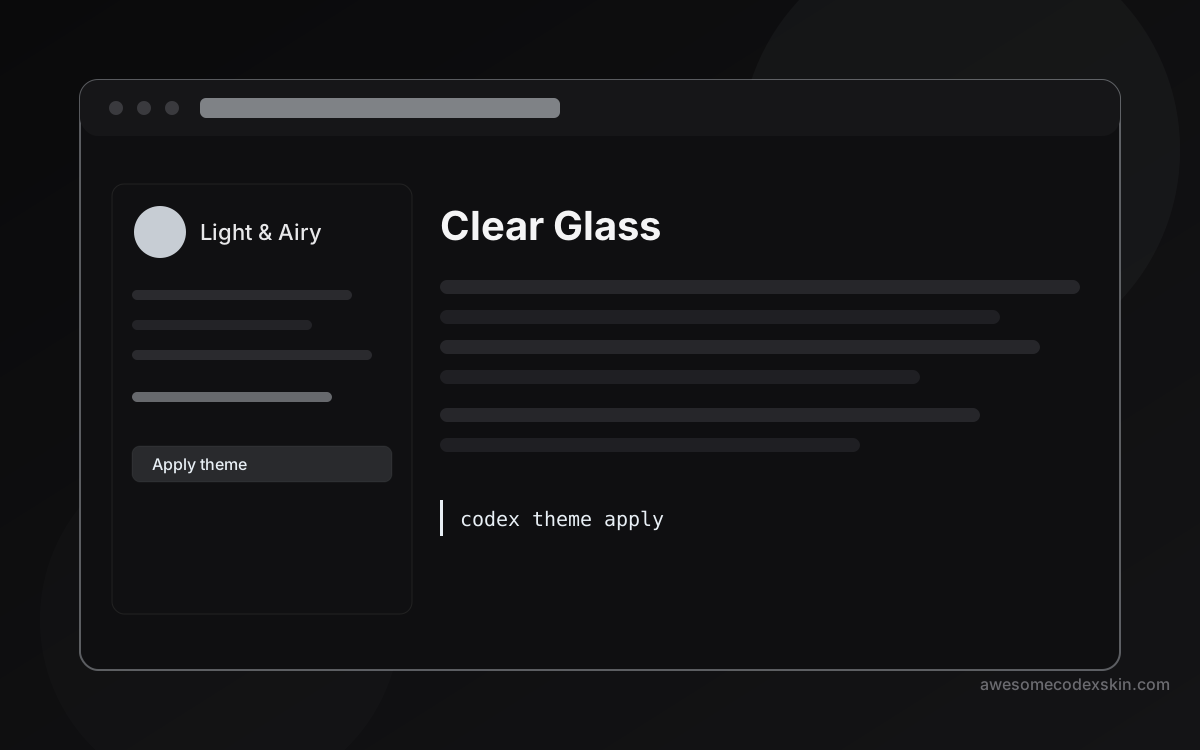 Clear Glass 1,620 installazioni
 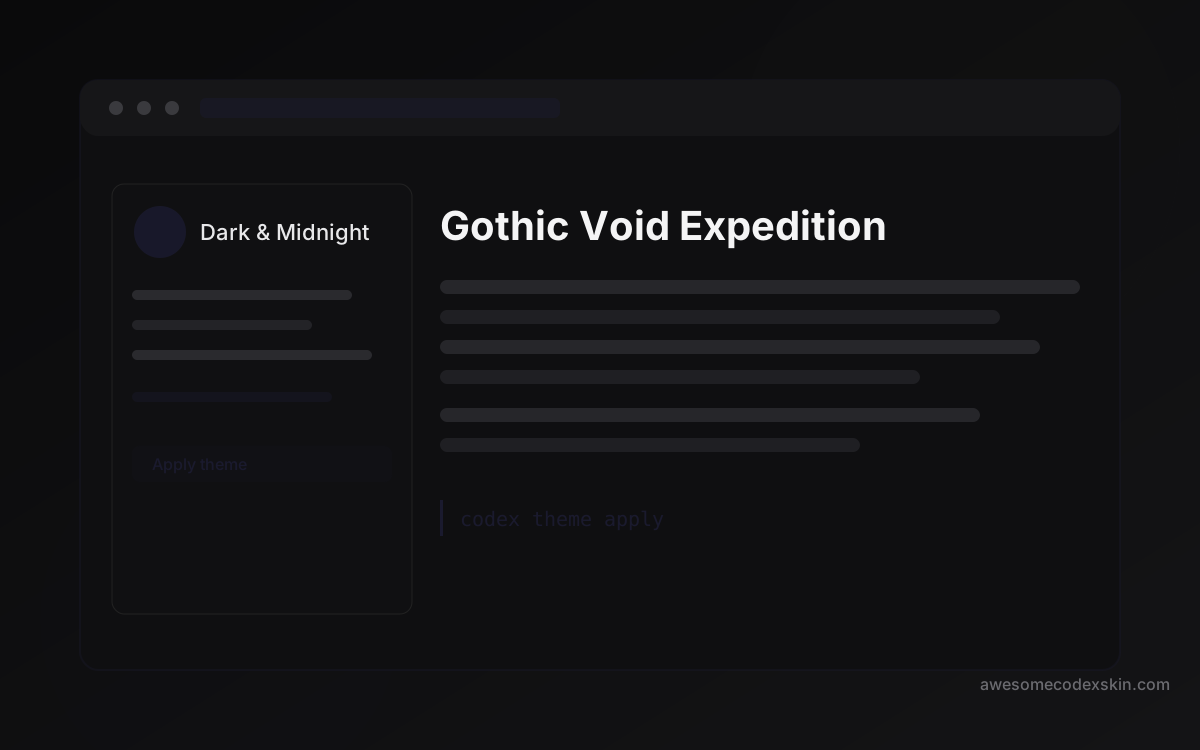 Gothic Void Expedition 2,103 installazioni
 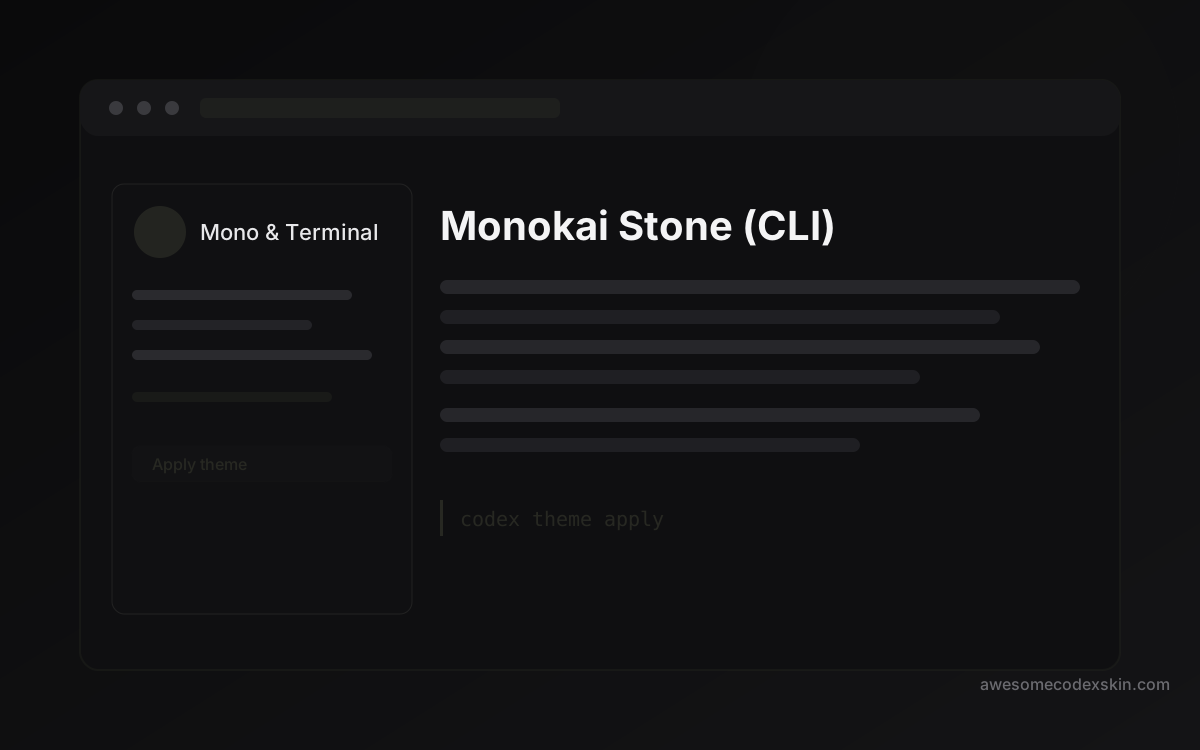 Monokai Stone (CLI) 1,500 installazioni
 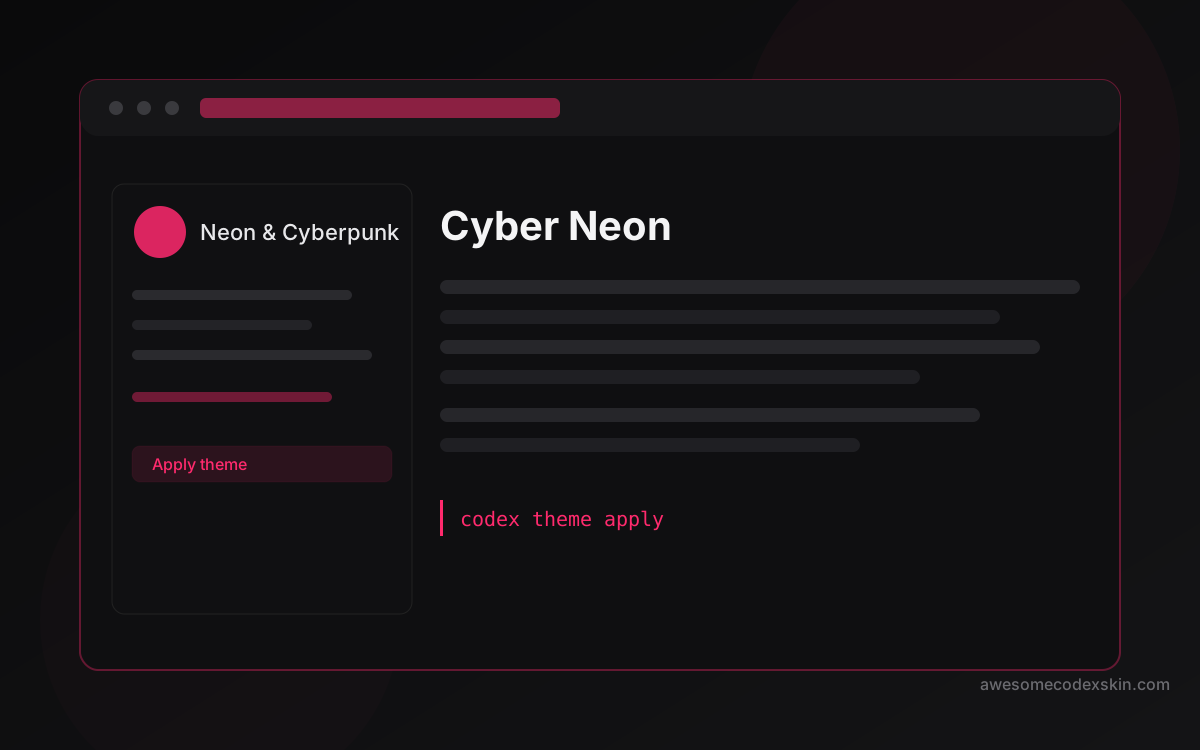 Cyber Neon 1,180 installazioni
 Mostra tutto skins .