7 Eye-Care Settings for Night Coding in Codex
Night coding strains your eyes more than daytime work. These 7 settings — low saturation, weak blue light, right brightness — plus the dark Codex skins that pass the test.
Two hours of night coding leaves my eyes drier than a full workday in the office. The screen is the same. The difference is your body: after dark, your pupils are wider, your brain reads the bright rectangle as “morning”, and your blink rate drops by a third. Picking the right Codex skin is one of the cheapest fixes for all three.
This is not about going fully dark “because dark themes are better”. It’s about three numbers: luminance, saturation, and blue-light ratio. Set those right and your eyes stop negotiating with the screen.
The three numbers that actually matter
- Background luminance: pure black (#000000) is worse than most people think — it forces maximum contrast against everything else on screen and causes halation around bright text. A very dark gray (#111–#1A) reads more comfortably.
- Saturation: vivid accent colors are fine in small doses, but a whole UI full of saturated blues and reds makes the eye hunt for focus. Night skins should be mostly desaturated with one or two restrained accents.
- Blue-light ratio: warm-toned dark themes (amber, orange-brown, soft yellow) signal “evening” to your circadian system far more gently than a cool blue theme does.
A skin is a filter, not just decoration. If it fails these three, no amount of external blue-light glasses fully compensates.
The 7 settings checklist
Work through these once, and you’re done for the year:
- Switch to a dark skin, but not pure black. Look for backgrounds around
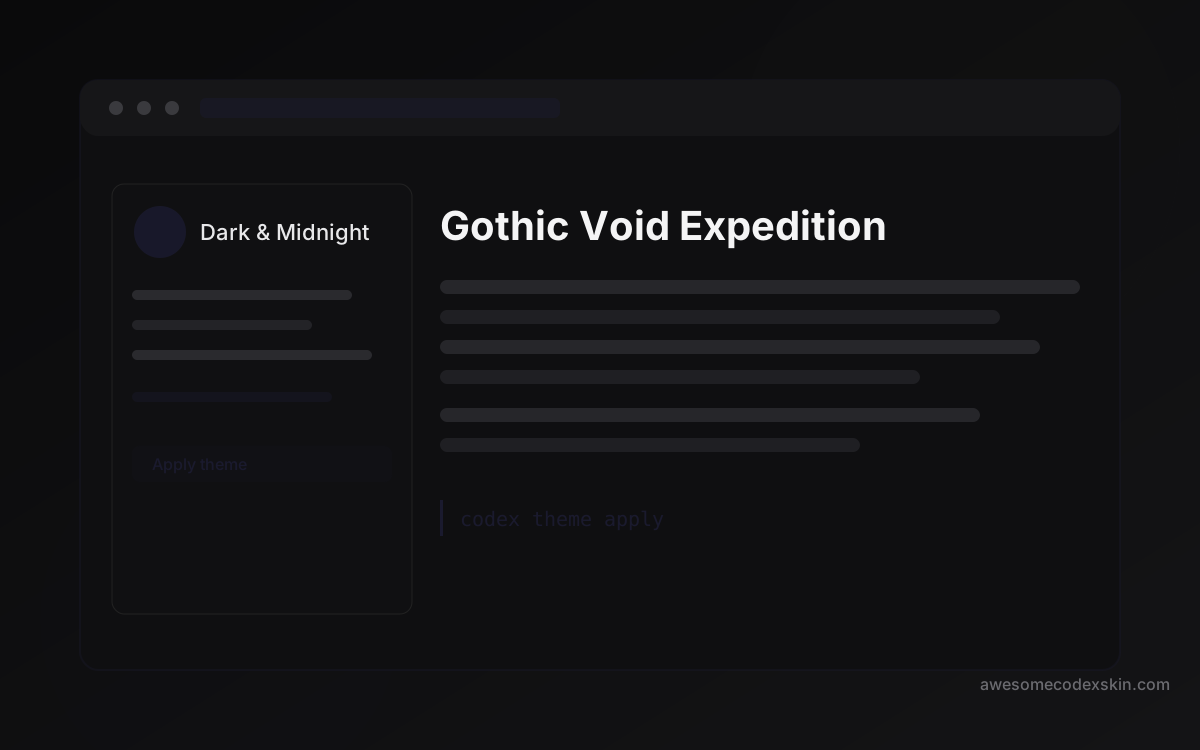
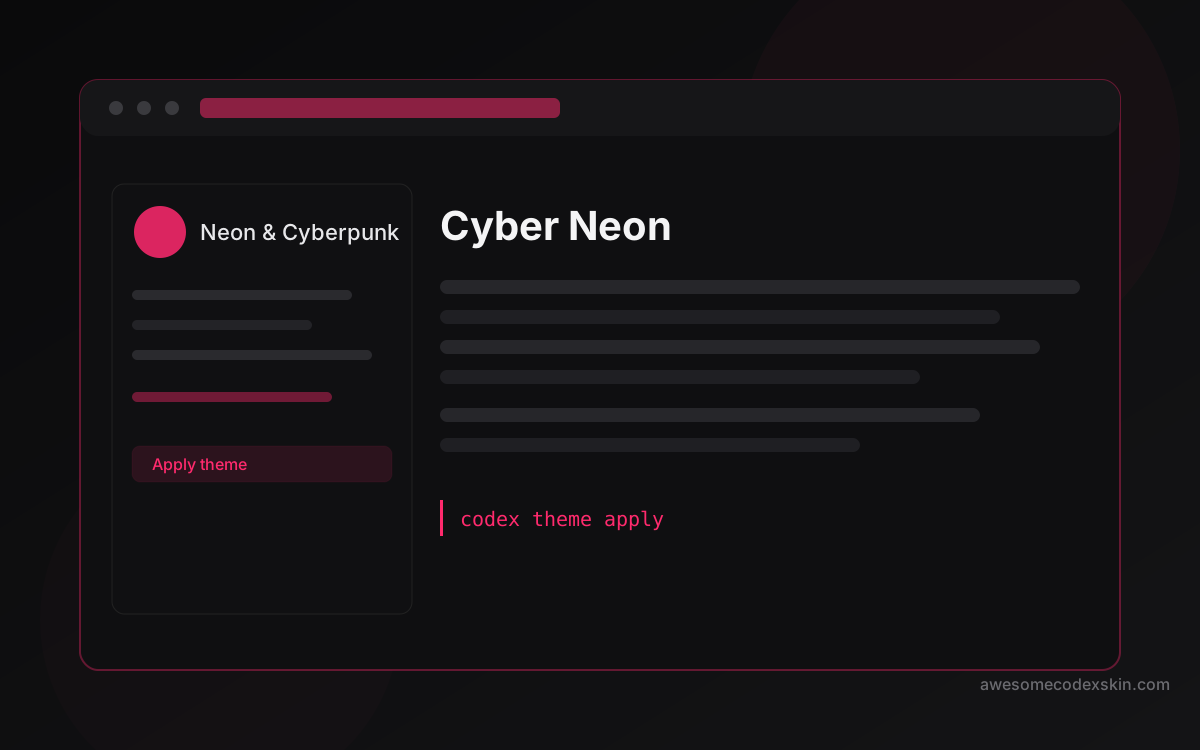
#111–#1A1A1A, not#000000. In this index, Gothic Void Expedition is a good baseline — its built-in default uses a near-black that keeps halation low. - Cap the accent saturation. One or two accents max. Cyber Neon is the tempting extreme; save it for daytime, not midnight.
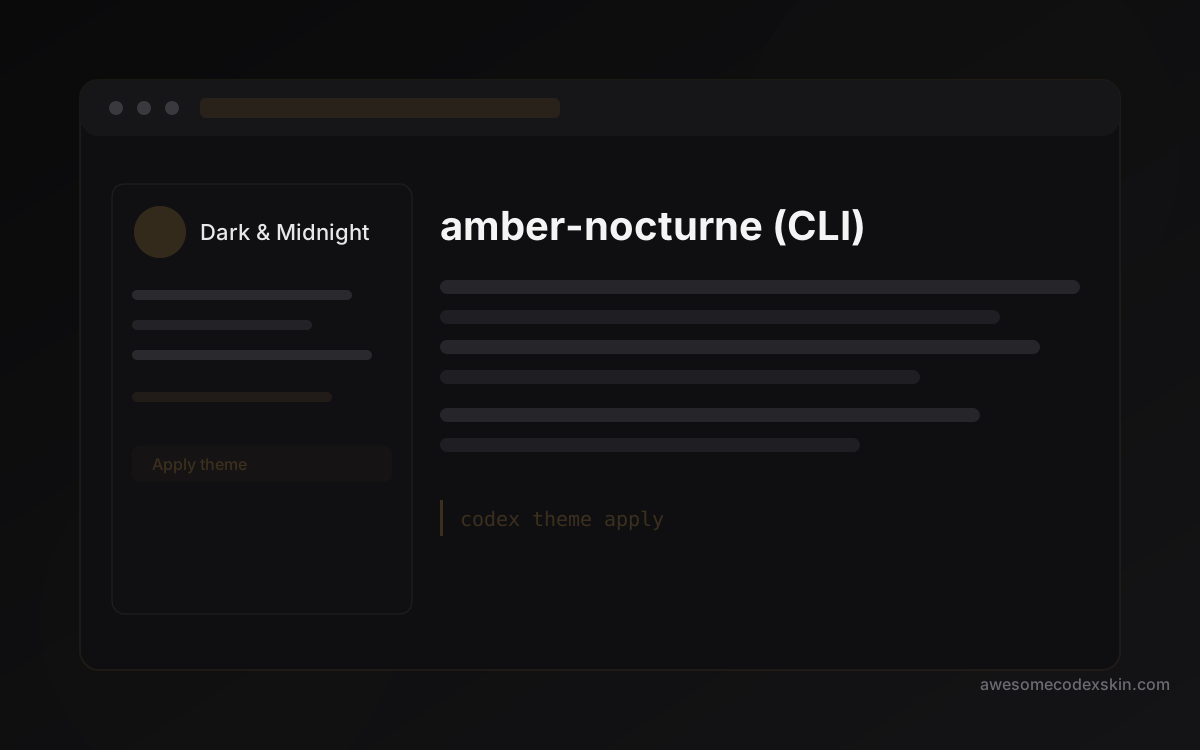
- Prefer warm neutrals after 9 PM. Amber Nocturne exists for exactly this — an amber-brown base that stays readable without shouting “blue light” at your brain.
- Lower Codex UI brightness if your engine supports it. Some engines scale the whole palette; a 10–15% reduction is usually the sweet spot.
- Match your editor to your terminal. A mismatched palette forces your eyes to re-adapt every time you switch panes. Same hue family, close luminance, done.
- Enable OS night shift / f.lux on top of the skin. The skin handles UI colors; the OS layer warms the entire display. They’re complementary, not alternatives.
- Check your blink rate — seriously. A
20-20-20reminder (every 20 minutes, look 20 feet away, 20 seconds) does more than any theme. Skin quality and blink breaks are the two halves of the fix.
Why moody dark skins pass the test
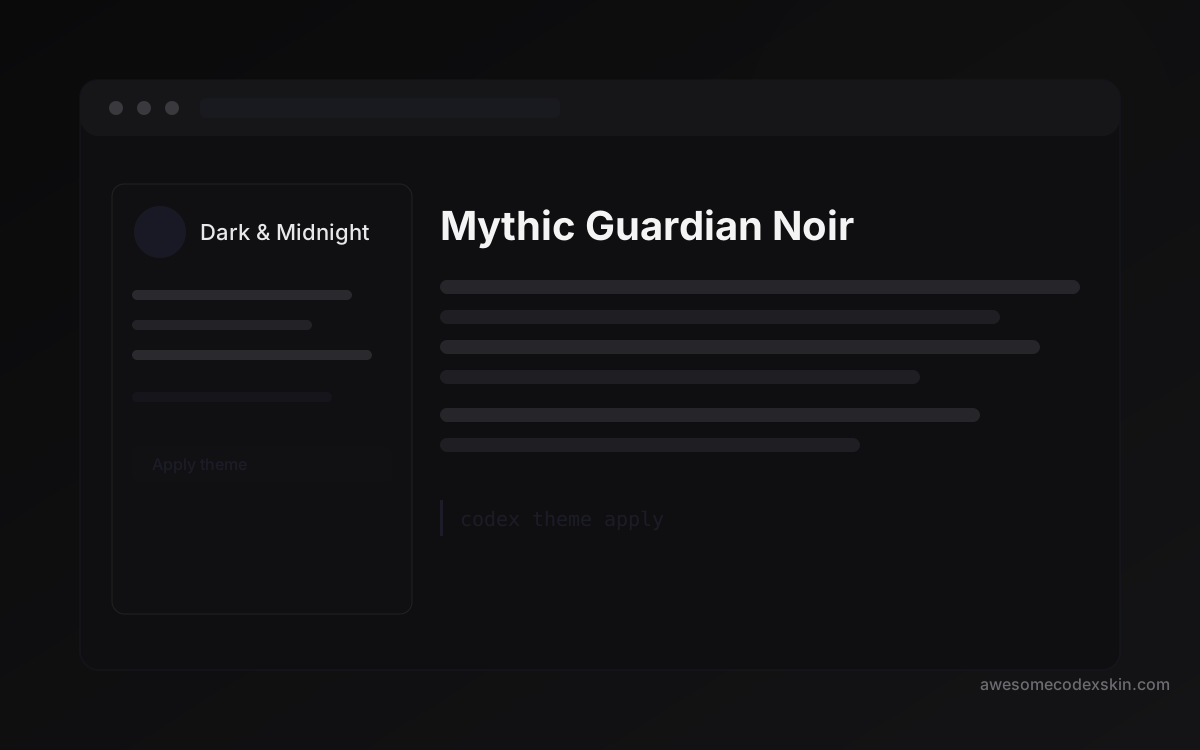
Mythic Guardian Noir and the other dark-midnight entries in this index share one trait: they keep luminance low and consistent across panels, so your pupil doesn’t constantly re-adjust. That consistency — not “how cool the theme looks” — is what makes a skin night-safe.
A good test: dim the room lights, open a skin, and squint. If the sidebar and the code area feel like one surface, the skin is doing its job. If the sidebar glows like a sign, move on.
Quick FAQ
Is a light theme at night always worse? Not always, but usually. The issue is the massive bright surface area, not the theme’s “temperature”. A dimmed, low-contrast light theme is fine; a full-brightness white theme at 2 AM is the hardest on your eyes.
Do I need blue-light blocking glasses if my skin is warm? The skin is a start, not a cure. Warm themes reduce the blue-light dose; glasses and OS night shift reduce it further. Stack them if you code late every night.
Can I just copy one of these skins and tweak it? Yes — that’s the fastest path. Take Amber Nocturne or Gothic Void Expedition, reduce saturation, and save it as your own “night mode” preset.
Pick one of the dark skins above, apply the seven settings once, and your 2 AM coding sessions stop costing you the next morning. Browse the full skin index for more dark options, or check our tutorial if you want to build your own night palette from scratch.
Skins mencionadas neste post
 Gothic Void Expedition 2,103 instalações
  amber-nocturne (CLI) 410 instalações
  Cyber Neon 1,180 instalações
  Mythic Guardian Noir 740 instalações
 Ver tudo skins .