How to Create Your Own Codex Skin (Beginner's Guide)
Learn how to build a custom Codex skin: pick an engine, choose colors, write a theme preset, and test it live. A practical walkthrough for beginners with no coding required.
Creating your own Codex skin is surprisingly approachable. Most engines accept a theme defined by a small set of colors — background, surface, text, accent — expressed as a prompt or a JSON file. You don’t need to touch the Codex app itself.
Step 1: Pick an engine
Your theme format depends on the engine you use:
- Codex Dream Skin — themes are presets or agent prompts. Easiest to start: describe the palette in a sentence.
- Codex Skin Manager — ships a theme creator with a visual picker.
- ReTheme — signed, updatable themes; good if you want to share publicly.
- Codex Themes (desktop) —
.codexthemefiles with a creator center at theme.codexguide.ai.
For this guide we’ll use the prompt approach (works with Dream Skin).
Step 2: Choose your palette
A skin is mostly 4–6 colors:
| Role | Example (light) | Example (dark) |
|---|---|---|
| Background | #F5F7FA | #0A0A0B |
| Surface (panels) | #FFFFFF | #16161A |
| Text | #1A1B26 | #E4E4E7 |
| Accent | #2DD4BF | #2DD4BF |
Stick to one accent. Too many accents is the #1 amateur mistake.
Step 3: Write the theme as a prompt
A Dream Skin preset is just a descriptive sentence:
Codex, apply a custom theme — a warm amber dusk palette with dark charcoal surfaces,
soft amber accents, and light cream text. Quiet, cozy, built for long reading sessions.
Save it as a preset in the engine, then test. Iterate on the words until the result matches your intent.
Step 4: Test on real content
Open a busy screen (long code, many panels) before you decide. Dark themes look great in screenshots and fail in practice when panel contrast is too low. Check:
- Code editor readability
- Sidebar / panel separation
- Accent visibility on buttons vs links
Step 5: Share it
Engines like ReTheme and Codex Skin Manager let you export themes. You can submit your skin to this index via the Submit a skin page — include a preview image and install prompt so others can use it in one click.
Ready-made starting points
Steal ideas from proven palettes:
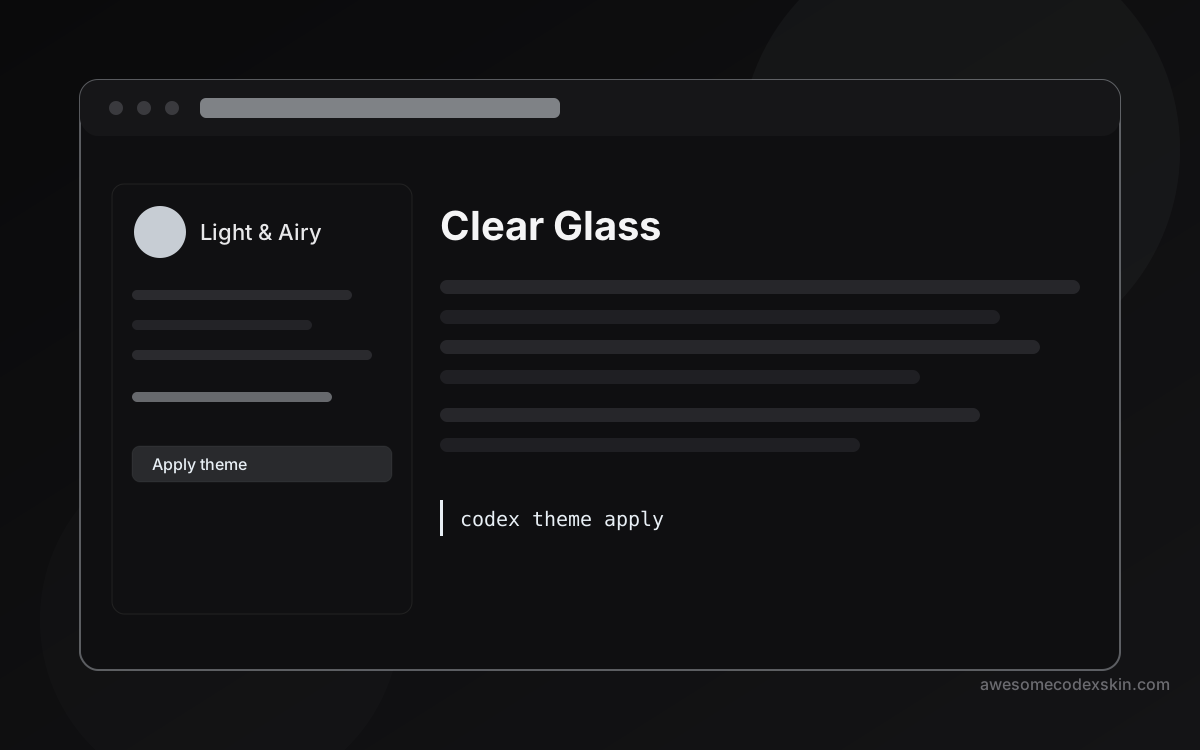
- Clear Glass — glassy light surface.
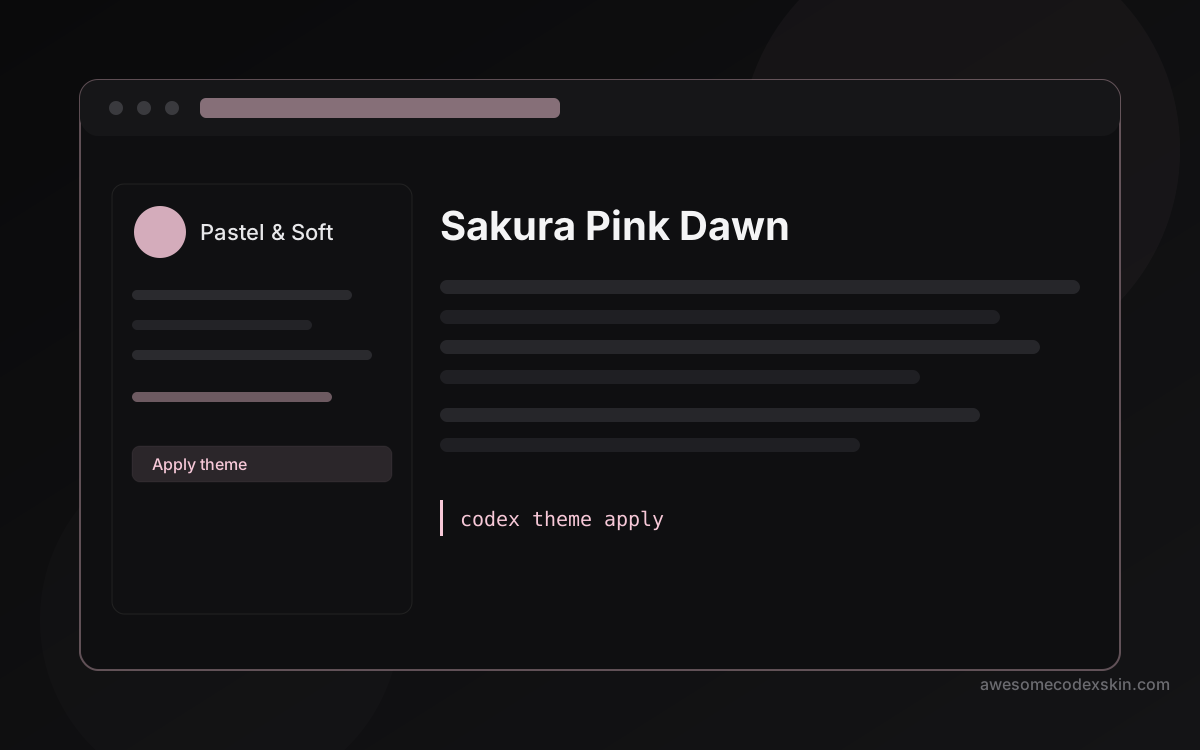
- Sakura Pink Dawn — soft pastel.
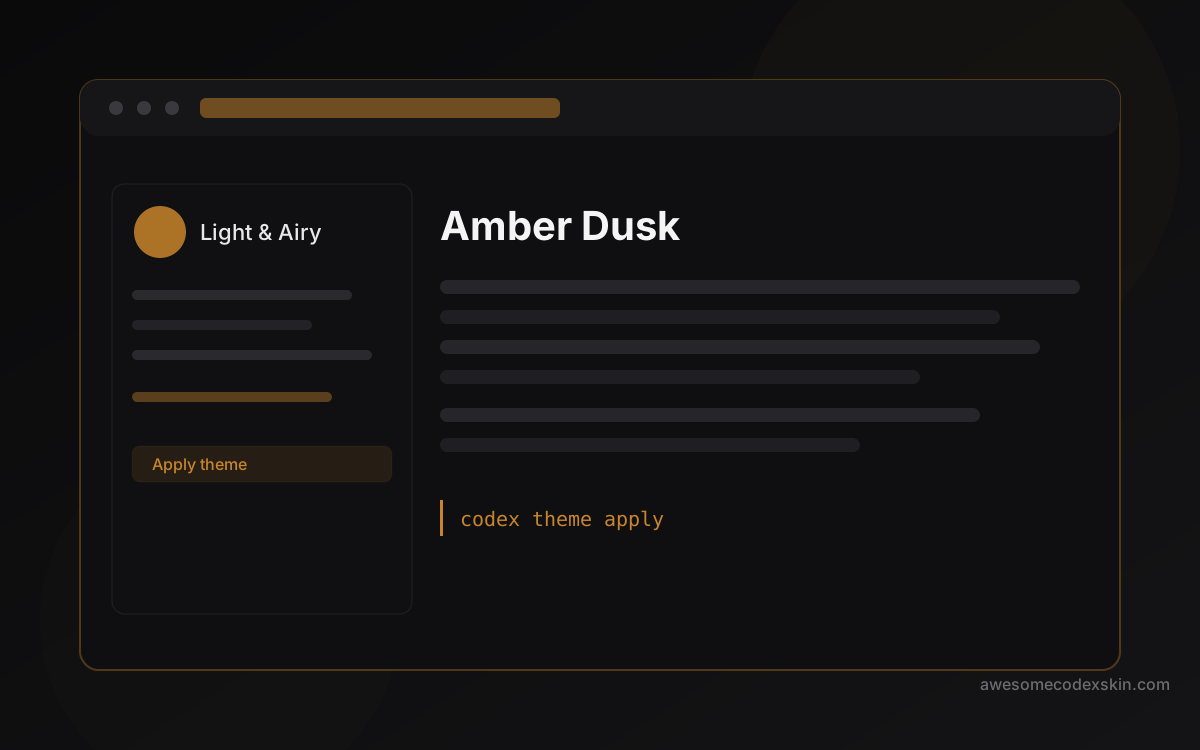
- Amber Dusk — warm amber programmatic preset.
Or browse the full index for more inspiration. And if you get stuck on install steps, the install guide covers every method.
Скины из этого поста
Посмотреть все skins .