Best Neon Cyberpunk Codex Skins: 4 Themes That Pop
Neon cyberpunk Codex skins ranked for personality and readability. Blue Enchantress, Cyber Neon, Red-White Sci-Fi, and Vivid Purple (CLI) — pick the one that matches your vibe without wrecking your eyes.
The neon cyberpunk category is where Codex skins stop pretending to be productive and start showing off. These four themes lean into saturated color: electric blues, hot pinks, warning reds, vivid purple. If you spend your day staring at an editor, a little spectacle is a legitimate feature, not a bug.
There are exactly four skins in this category. They split into two camps: two are desktop presets that recolor the whole Codex interface, and two are syntax-first themes with strong identity. None of them are subtle, but they are not interchangeable either.
Blue Enchantress: the clean neon
Blue Enchantress, from codexthemes.ai, is a blue neon gallery skin. It leans on a single dominant hue, a bright electric blue around #2D7DF6, and keeps the rest of the palette in supporting roles. The result is a theme that feels cyberpunk without feeling chaotic.
This is the category’s safest pick. If you want the neon look but you still have to read code for eight hours, Blue Enchantress is the one that stays legible. The blue works as a through-line: syntax colors pop against it instead of fighting it.
Cyber Neon: the abstract preset with a real backstory
Cyber Neon comes from the Codex Cidala Tiger Skin repo (MIT licensed), built by gh283248009. It is an engine preset, which means it rides on Codex’s theme engine and applies a neon cyberpunk look across the workspace. Its anchor color is a hot pink, #FF2A6D.
What separates Cyber Neon from the rest of the category is the provenance. It is open source, the repo is public, and you can read the preset source before you install it. For people who like to know what they are running, that is a real advantage. It also installs as a one-line prompt, so the setup cost is near zero.
Red-White Sci-Fi: mecha lines and warning colors
Red-White Sci-Fi is Fei-Away’s contribution, and it comes from the Codex Dream Skin project. The description nails it: mecha lines with warning red and white futurism. The palette is built around #E63946, a red that reads as industrial and urgent rather than romantic.
This is the most characterful skin in the group. It looks like something out of a mech hangar UI, which makes it a strong pick if you want your editor to feel like a cockpit. The trade-off is that red-heavy palettes can tire the eyes faster than blue or purple, so it is better for shorter sessions or people who already love the look.
Vivid Purple (CLI): the terminal-native entry
Vivid Purple is the odd one out and worth knowing for that reason. It is a purple syntax theme, ported to Codex CLI from the Bearded Theme Ports collection by vufly. Its color sits around #A020F0, and it installs as a tmtheme, which means it goes through the CLI theme pipeline rather than the desktop preset engine.
If you run Codex through the terminal, this is your neon option. The other three skins target the desktop app; Vivid Purple is the only one built for the CLI theme system. That makes it the natural choice for people who do not use the desktop interface at all.
How to pick among the four
- Blue Enchantress if you want neon that stays readable for a full workday
- Cyber Neon if you want an open-source preset with a one-line install
- Red-White Sci-Fi if you want the cockpit look and accept the eye-strain trade-off
- Vivid Purple (CLI) if you live in the terminal and still want color
All four are installable right now. The install guide covers the preset and prompt routes, and the CLI vs theme manager comparison explains which install path fits how you run Codex. If neon is not your speed, the dark and light best-of lists cover the calmer end of the library.
Browse all neon cyberpunk skins → neon-cyberpunk category
Skins mentioned in this post
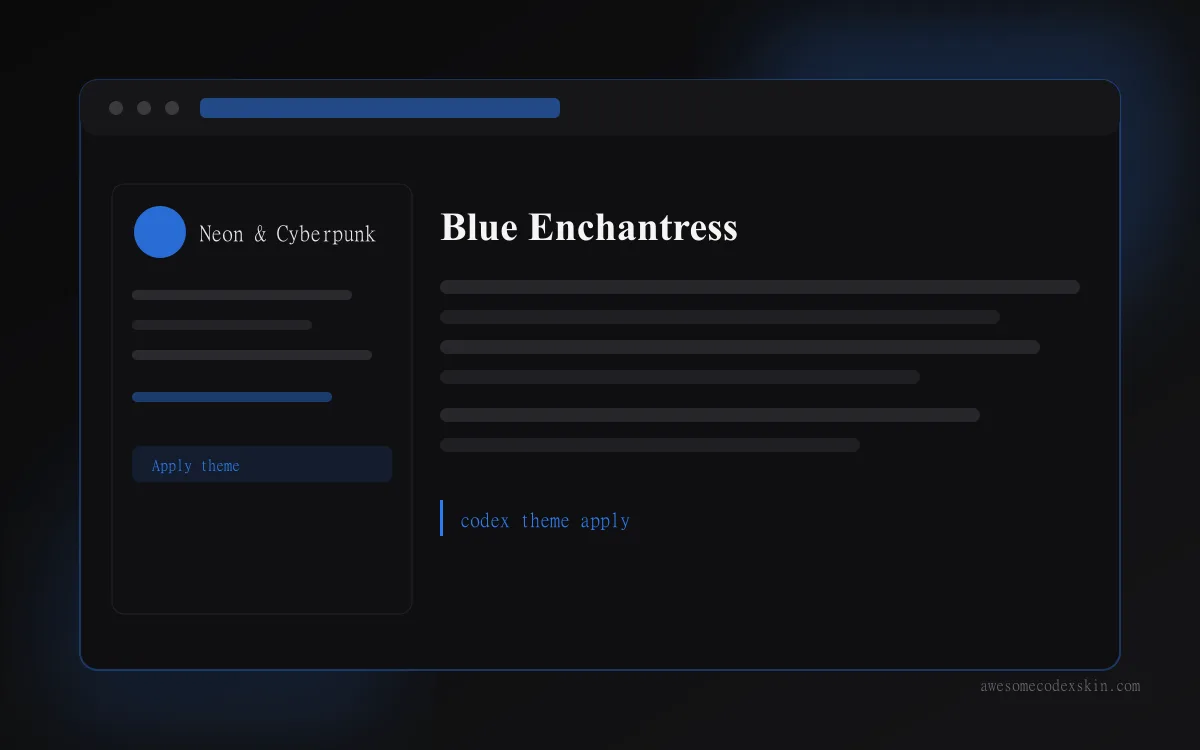 Blue Enchantress ~510 installs (est.)
 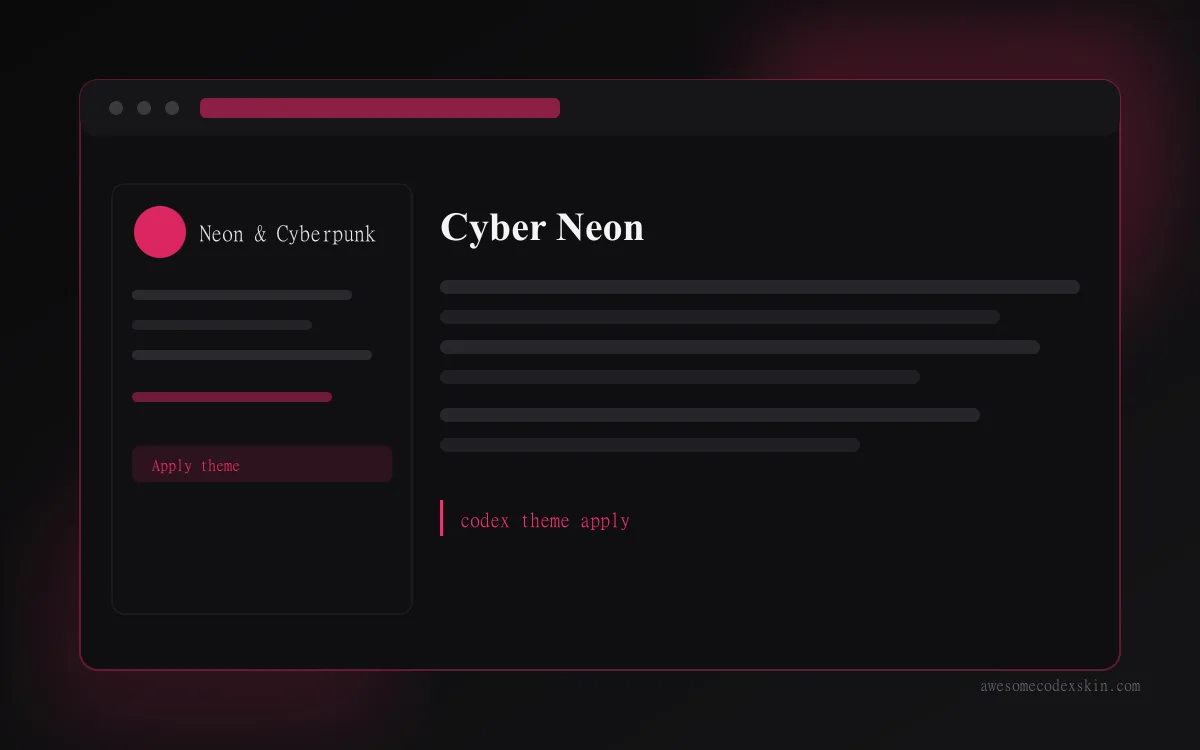 Cyber Neon ~1,180 installs (est.)
  Red-White Sci-Fi ~640 installs (est.)
 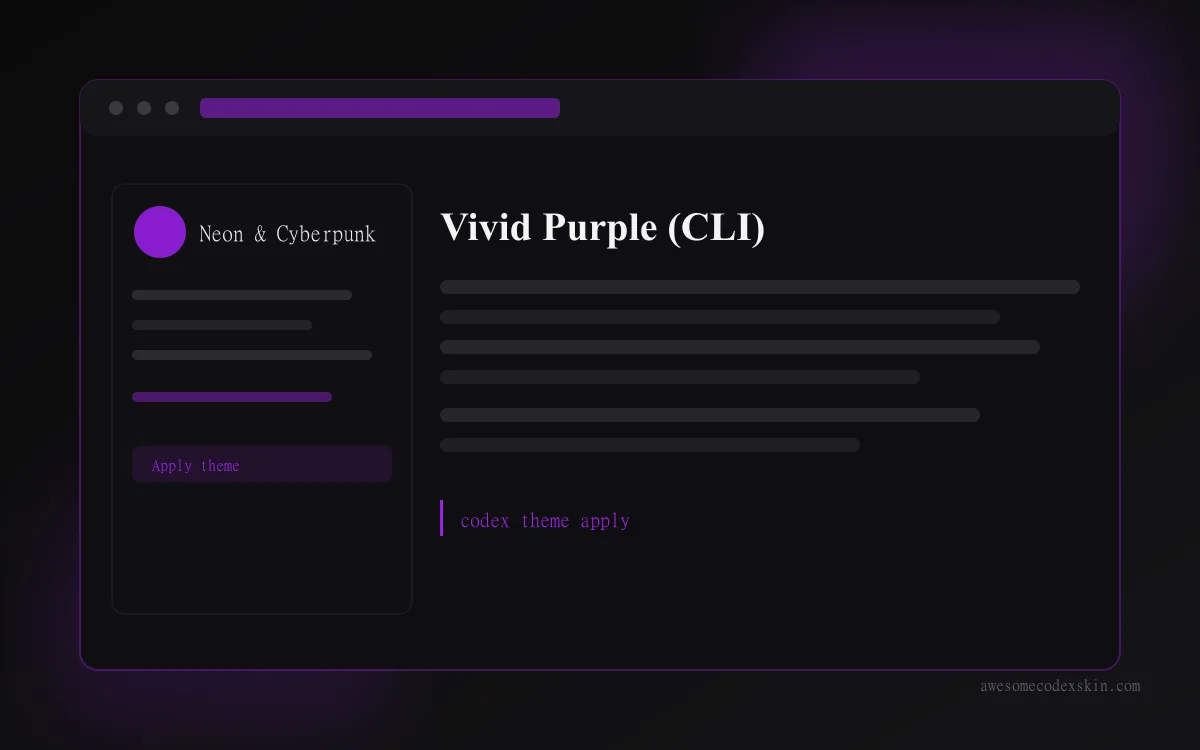 Vivid Purple (CLI) ~620 installs (est.)
 Browse all skins .