Codex CLI vs Desktop Skins: Which Should You Use?
Codex CLI vs Desktop skins compared — color palettes vs visual themes, install differences, and which setup fits your workflow.
Codex has two very different skin systems: Codex CLI themes and Codex Desktop skins. They look similar from the outside (both change how your workspace looks) but work completely differently under the hood — and picking the right one depends on how you use Codex.
The short version
- Codex Desktop skins change the application chrome — sidebar, borders, surfaces, accent colors. They’re rich, visual, and installed with a prompt or a theme file.
- Codex CLI themes change the terminal color palette — background, foreground and syntax colors. They’re lean, portable, and installed with a command, applied via
/theme.
If you use the desktop app, you want Desktop skins. If you live in the terminal, you want CLI themes.
What each system changes
| Aspect | Desktop skin | CLI theme |
|---|---|---|
| What changes | App chrome, borders, accents | Terminal color palette |
| Install method | Copy-paste prompt / theme file | Install script + /theme |
| Visual richness | High (surfaces, borders) | Low (colors only) |
| Portability | Tied to the desktop engine | Works with any terminal palette |
| Reversibility | One-click restore on most engines | Re-run /theme with another name |
Which one for your workflow?
Choose Desktop skins if you:
- Use the Codex Desktop app as your main workspace.
- Want a full visual identity — dark low-light, pastel, neon, anime.
- Like the idea of preset themes you can restore in one click.
Choose CLI themes if you:
- Work primarily in the terminal.
- Want your shell and Codex CLI to share one palette.
- Prefer themes as version-controllable, portable config.
Can you use both?
Yes — they’re independent. Many people run a dark Desktop skin for the app and a matching CLI palette for the terminal, so the whole workspace feels like one system. Since CLI themes are just color palettes, pairing them is easy: pick a palette that exists in both worlds (Tokyo Night, Monokai Stone, Solarized) and apply it everywhere.
Getting started
- Desktop: browse the full skin index and open any skin page — the install prompt is ready to copy.
- CLI: read how to change the Codex CLI theme or the complete CLI themes guide.
- Both: the install guide covers every method side by side.
Skins mentioned in this post
 Monokai Stone (CLI) ~1,500 installs (est.)
 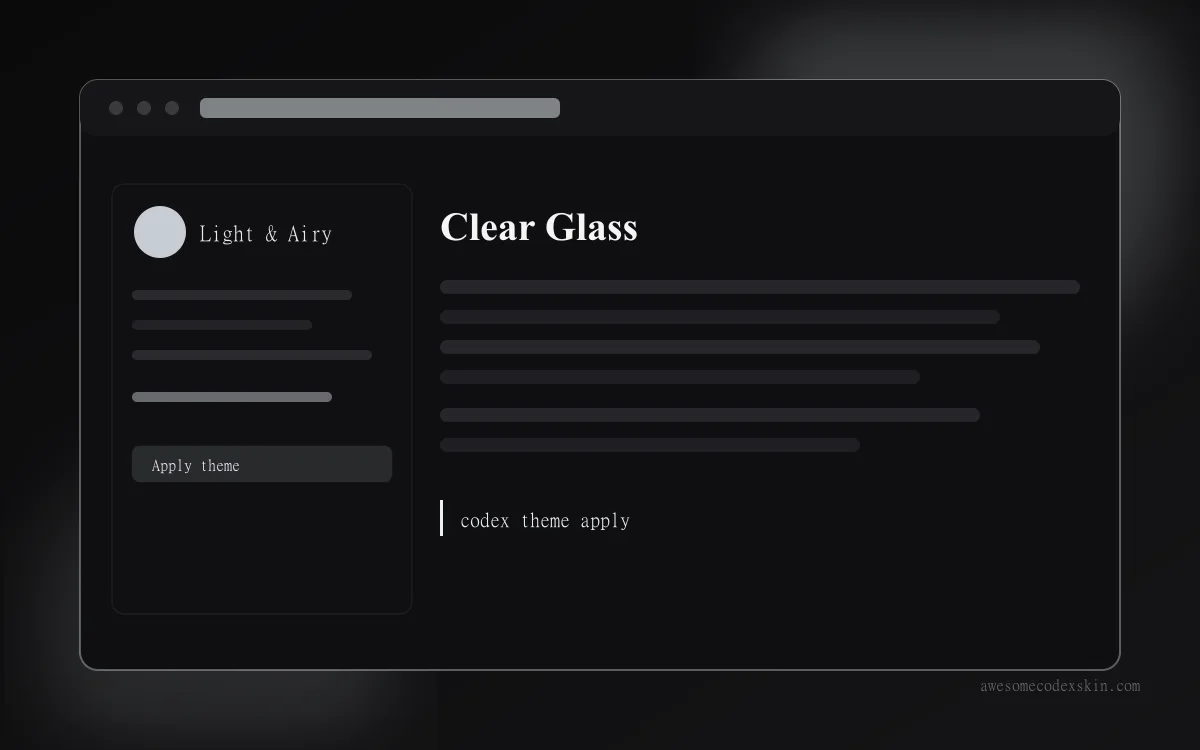 Clear Glass ~1,620 installs (est.)
  Tokyo Night (CLI) ~980 installs (est.)
 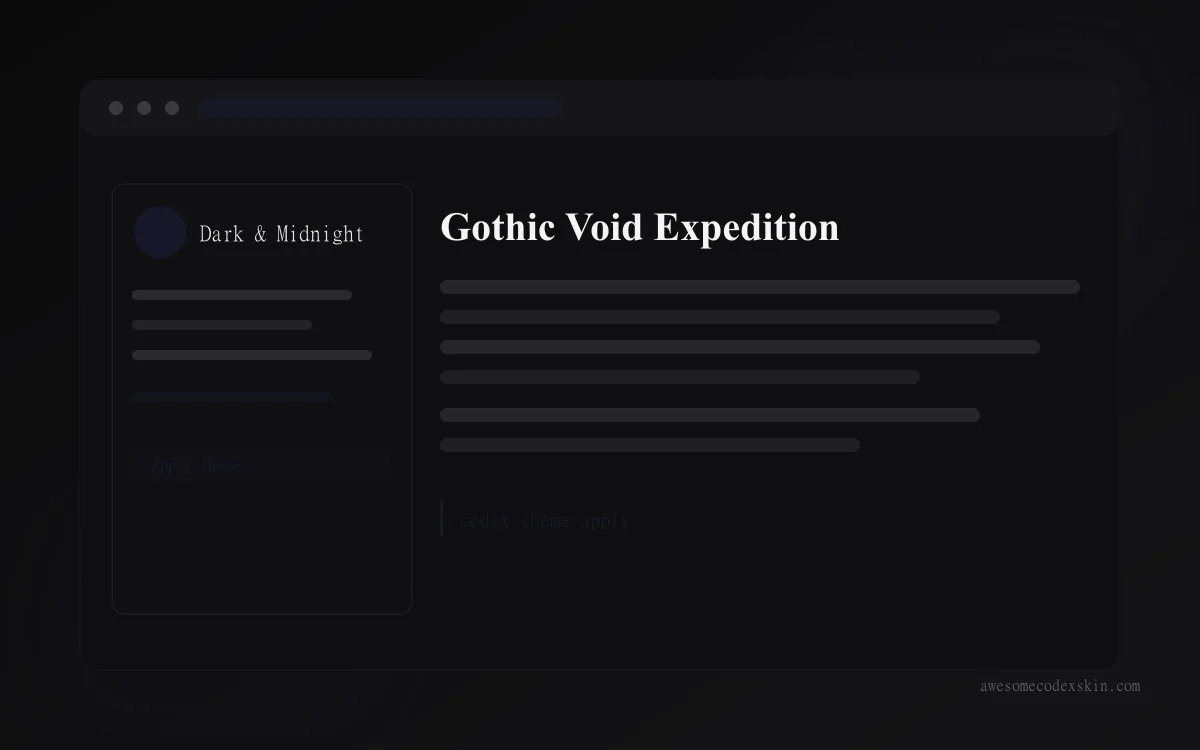 Gothic Void Expedition ~2,103 installs (est.)
 Browse all skins .