Codex Skin Engines Compared: Dream vs Manager vs CLI
Three Codex skin engines — Dream Skin, Codex Skin Manager, and the CLI. Each has different strengths. Here's which one fits your workflow.
The Codex skin ecosystem has three competing engines, and picking the wrong one can cost you hours of frustration. Dream Skin is the most polished with the largest library, Codex Skin Manager is the most flexible for power users, and the CLI is the most lightweight for terminal purists. This comparison helps you choose based on your actual workflow — not marketing claims.
Dream Skin: the polished prompt engine
Dream Skin is the open-source reference implementation that most skin authors target first (Fei-Away/Codex-Dream-Skin). It’s prompt-based — you describe the look you want and it applies a matching community preset. It has the richest feature set: dynamic theming, per-project overrides, and a large community preset library.
Strengths:
- Largest community preset library (99+ skins across 8 categories)
- Polished UI with preview pane and real-time feedback
- Fastest exploration loop — paste a prompt, see the look
- Fully open source and free
Weaknesses:
- Interpretation variance — the same prompt can render slightly differently across versions
- Less deterministic than exact file-based application
- Weaker at managing a large personal library
Best for: Users who want a set-and-forget experience with the broadest skin selection.
Codex Skin Manager: the power-user alternative
Codex Skin Manager is an open-source alternative focused on flexibility and transparency. It supports custom skin formats, manual installation, and detailed configuration files.
Strengths:
- Fully open-source with public GitHub repo
- Supports custom skin formats beyond the official spec
- Lightweight — runs as a background process, not a full app
- Config-driven: edit JSON to customize everything
Weaknesses:
- Smaller community and skin library
- Steeper learning curve for configuration
- No built-in marketplace (manual installation only)
Best for: Developers who want full control over their environment and don’t mind reading documentation.
CLI: the terminal minimalist’s choice
The Codex CLI theme system uses a single config file (~/.codex/skins.json) and applies themes via command-line flags. No GUI, no preview — just fast, scriptable theming.
Strengths:
- Zero GUI overhead — ideal for remote/SSH workflows
- Scriptable: automate theme changes in CI/CD pipelines
- Minimal resource usage (sub-10MB memory footprint)
- Works with any terminal emulator
Weaknesses:
- No visual preview (edit, apply, check manually)
- Limited to CLI-specific themes (no GUI app theming)
- Manual installation of new skins
Best for: Terminal purists, remote workers, and automation-focused workflows.
Decision matrix
| Criterion | Dream Skin | Skin Manager | CLI |
|---|---|---|---|
| Ease of use | ⭐⭐⭐⭐⭐ | ⭐⭐⭐ | ⭐⭐ |
| Skin library size | ⭐⭐⭐⭐⭐ | ⭐⭐⭐ | ⭐⭐ |
| Customization depth | ⭐⭐⭐ | ⭐⭐⭐⭐⭐ | ⭐⭐⭐⭐ |
| Resource usage | ⭐⭐ | ⭐⭐⭐⭐ | ⭐⭐⭐⭐⭐ |
| Remote/SSH friendly | ⭐⭐ | ⭐⭐⭐ | ⭐⭐⭐⭐⭐ |
| Open source | ✅ | ✅ | ✅ |
What I recommend
- Start with Dream Skin if you’re new to Codex. The marketplace and preview make it easy to find a theme you like.
- Switch to Skin Manager if you hit Dream Skin’s limitations (custom formats, transparency needs).
- Use CLI if you work primarily in terminals or need automation.
All three engines can coexist — many power users run Dream Skin for GUI work and CLI for SSH sessions.
Related articles
- Codex Skin Format Ecosystem — Understand the technical differences between skin formats
- Best Dark Codex Skins — Curated dark theme recommendations
- How to Install Codex Skins — Step-by-step installation guide
Skins mentioned in this post
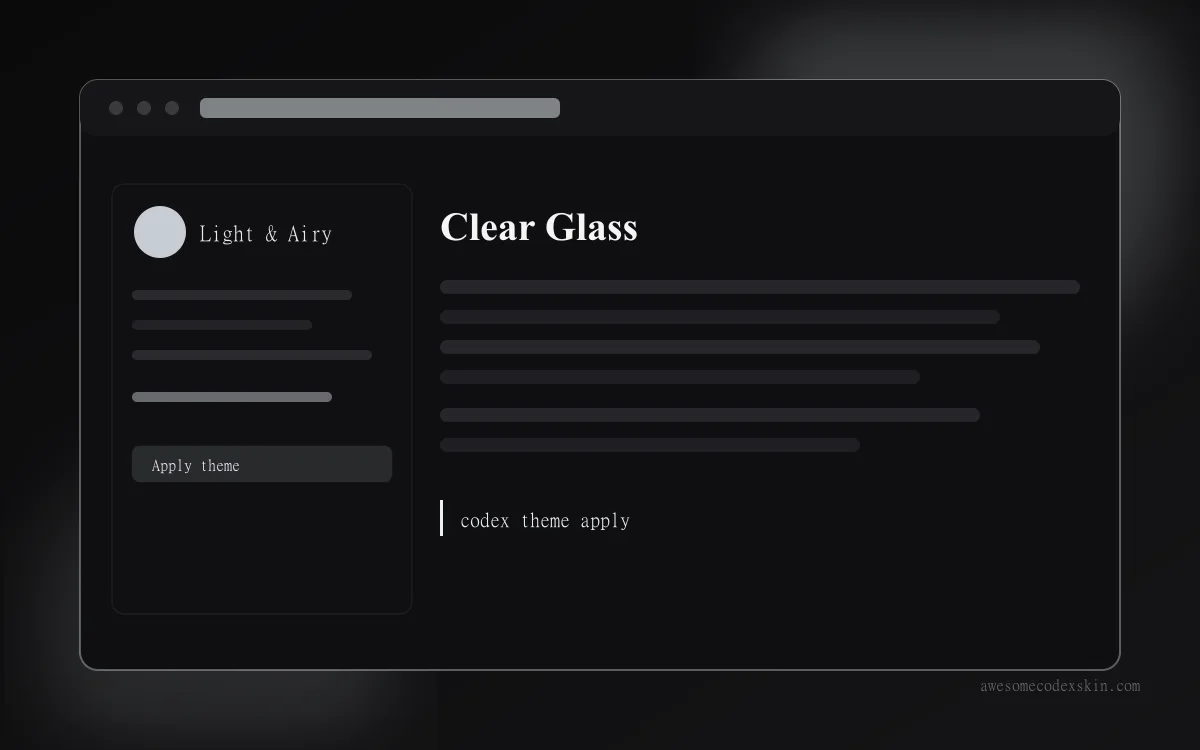 Clear Glass ~1,620 installs (est.)
 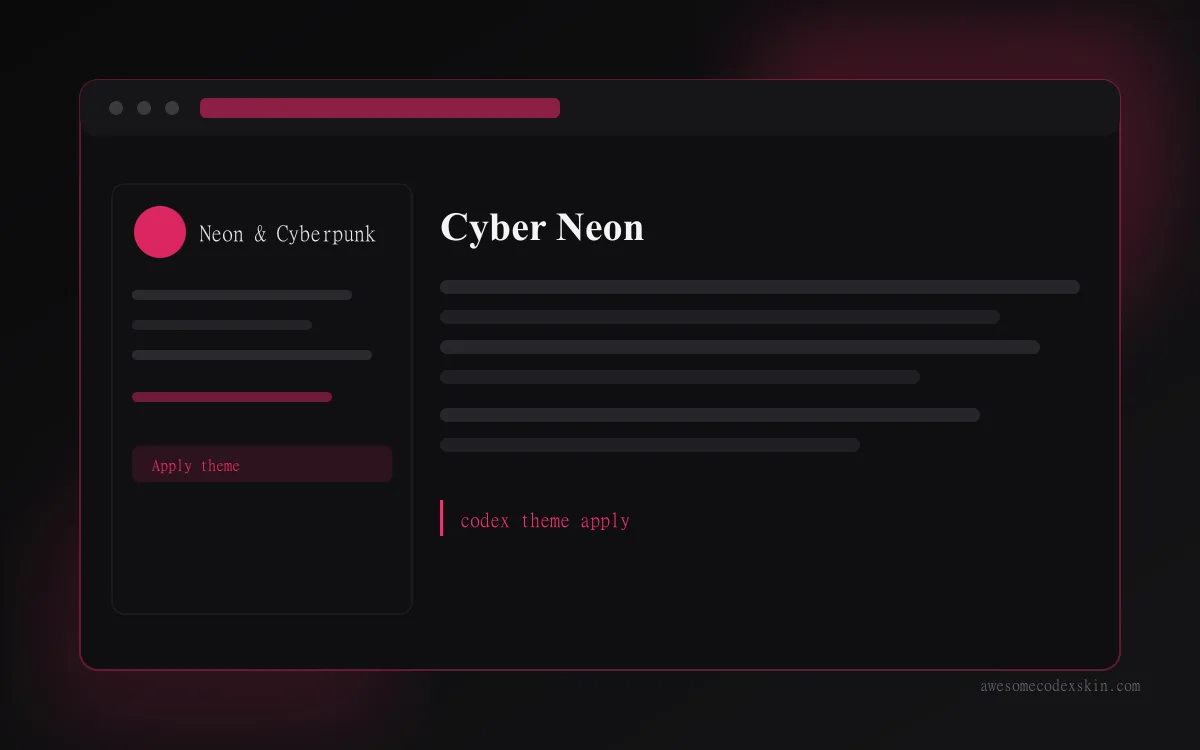 Cyber Neon ~1,180 installs (est.)
  Gothic Void Expedition ~2,103 installs (est.)
 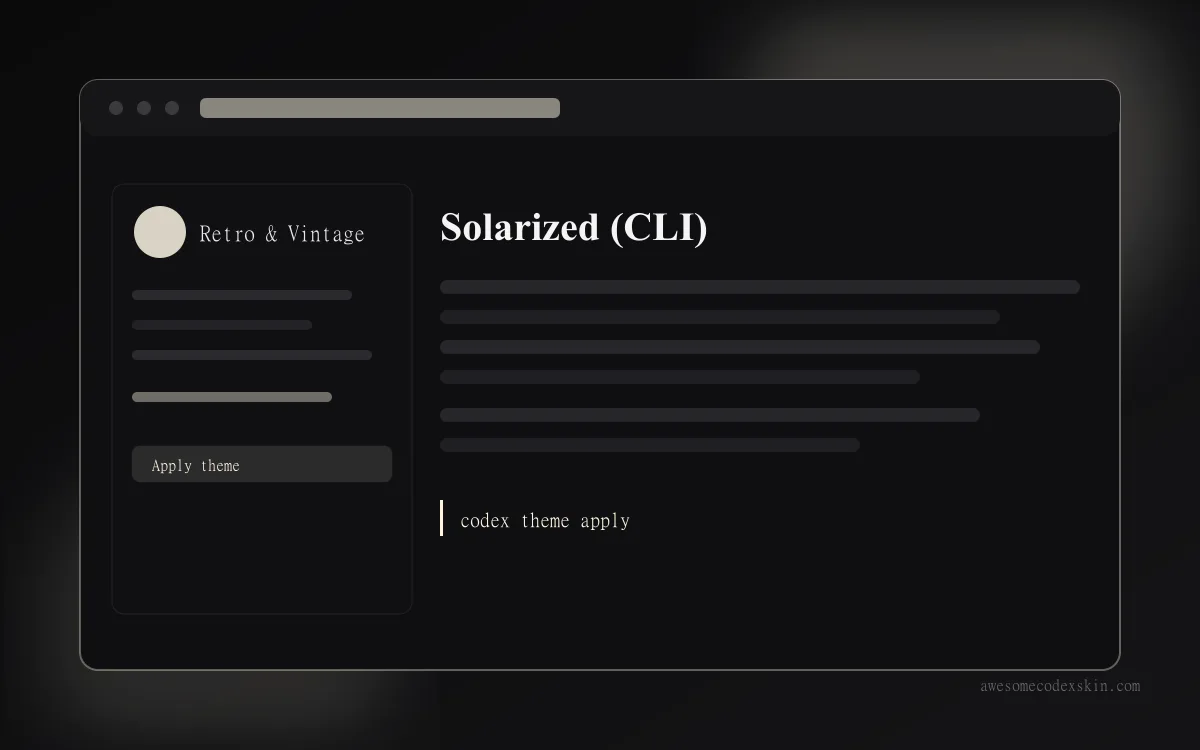 Solarized (CLI) ~1,340 installs (est.)
 Browse all skins .