Best Terminal Color Schemes in 2026: From Clean Mono to Retro Neon
A terminal color scheme is the interface you stare at longest. Here are the schemes worth using in 2026 — clean mono, Tokyo Night, neon and retro — and how to match one to your Codex skin.
Best Terminal Color Schemes in 2026: From Clean Mono to Retro Neon
The terminal is the interface you look at longer than any editor window, so the color scheme matters more than most people admit. A good one lowers eye strain and makes output easier to scan; a bad one turns every log line into work. Here are the scheme families worth running in 2026 and how to pair them with a Codex skin.
The Four Families
Clean mono
Black text on white, or white on near-black, with a single accent. Mono schemes age well because they never clash with a tool’s own syntax colors. If you switch contexts a lot, start here.
Tokyo Night
The soft blue-purple palette that has become the default “modern dark” look. Low saturation keeps it comfortable for long sessions, and it reads well on both OLED and LCD panels.
Neon and cyberpunk
High-contrast magenta, cyan and green on black. These make status output pop, but they are tiring after a few hours — treat them as an evening or demo mode rather than an all-day default.
Retro
Amber-on-black and QQ2007-era palettes. Purely aesthetic, and that is the point. Retro schemes pair naturally with retro Codex skins.
Picking a Scheme
Ask three questions:
- How long is your session? Longer sessions want lower saturation.
- Do you read logs or write code more? Log-heavy work benefits from a strong accent color for errors and warnings.
- Is your room bright? Light-ish backgrounds win in daylight; dark wins at night.
Matching a Terminal Scheme to a Codex Skin
The mistake is running a neon terminal next to a pastel editor. They fight. Keep the two in the same family:
- Running a Tokyo Night style terminal? Pair it with Bearded Tokyo Night.
- Prefer a hard retro terminal? Guts Terminal and Amber Nocturne CLI keep the whole session consistent.
- Neon terminal? Cyber Neon carries the same accent language.
- Clean mono terminal? Clear Glass is the matching minimal editor skin.
A Quick Comparison
| Scheme family | Saturation | Best session | Pairs with |
|---|---|---|---|
| Clean mono | Very low | All day, mixed work | Clear Glass |
| Tokyo Night | Low | Long evening sessions | Bearded Tokyo Night |
| Neon / cyberpunk | High | Demos, short bursts | Cyber Neon |
| Retro | Medium | Aesthetic setups | Guts Terminal |
Frequently Asked
Can I use one scheme everywhere? Yes — many people sync terminal and editor. The terminal sync guide walks through doing it without re-picking colors twice.
Does the scheme affect performance? No. Color schemes are negligible compared to wallpapers and animations — see the performance breakdown.
What if I cannot decide? Pick a low-saturation scheme first. You can always move to neon later; moving back from neon is the harder direction.
The Bottom Line
The best terminal color scheme is the one that disappears — you stop noticing it while you work. Start with a low-saturation family, match your Codex skin to it, and only reach for neon when you want the terminal to be the loudest thing on screen.
In diesem Beitrag erwähnte Skins
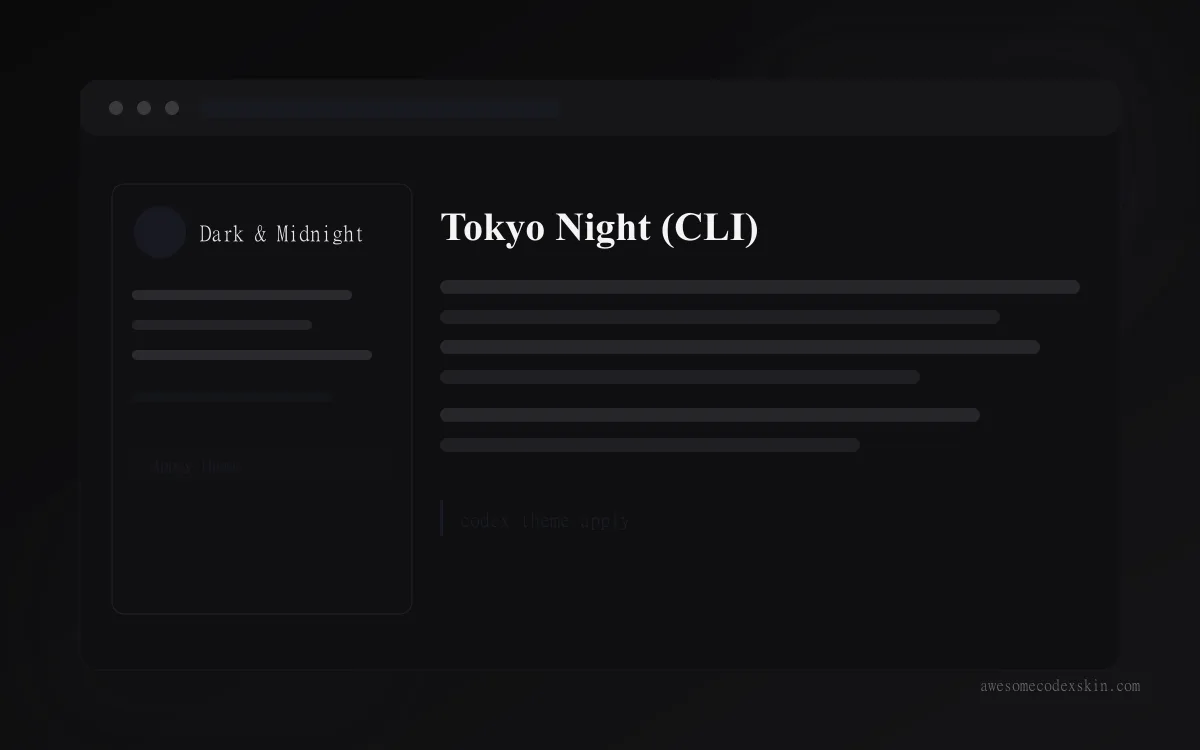 Tokyo Night (CLI) ~980 Installationen (geschätzt)
 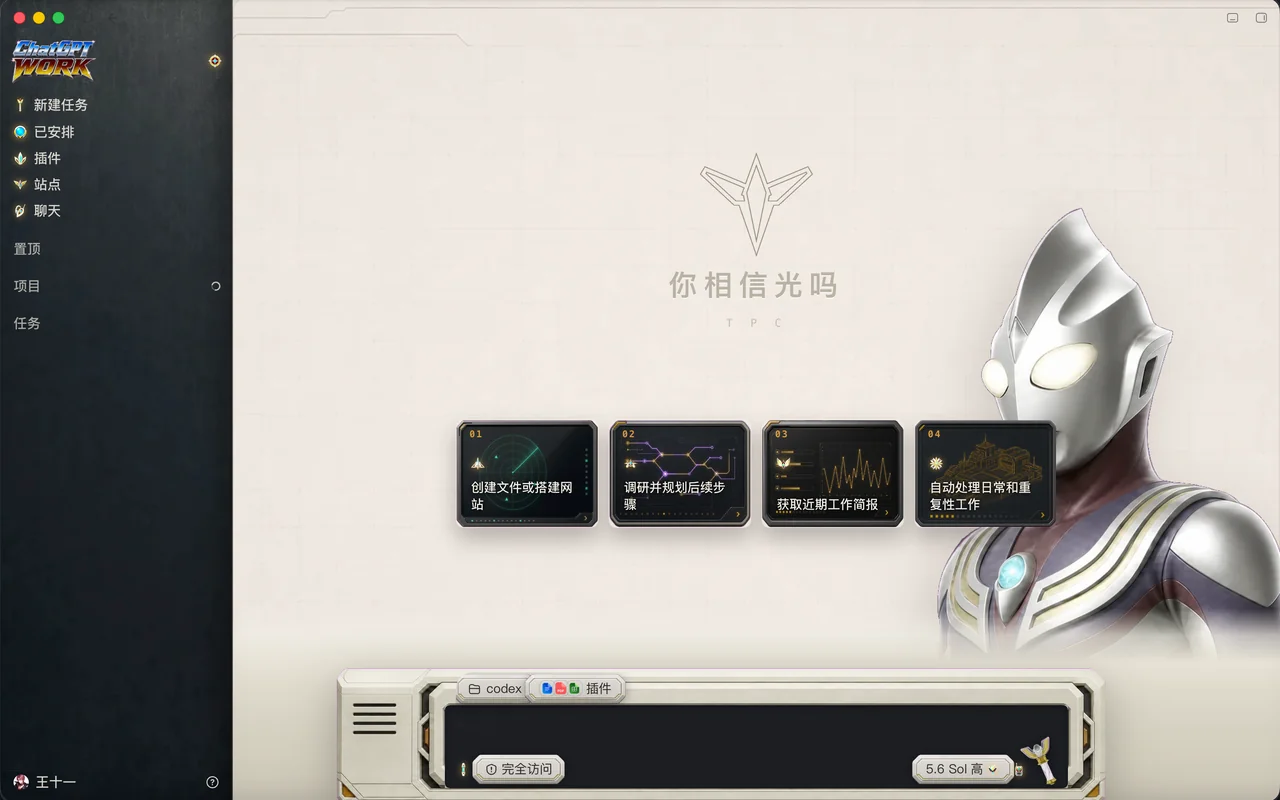 TPC GUTS Command Terminal ~0 Installationen (geschätzt)
 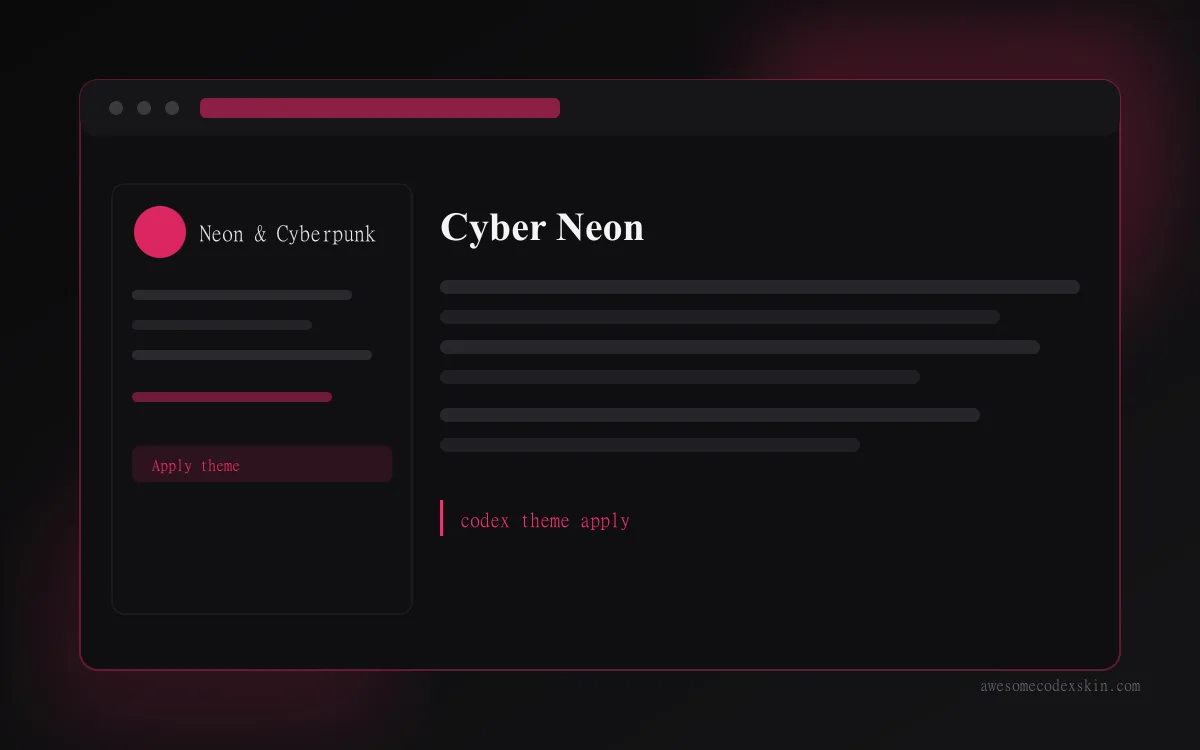 Cyber Neon ~1,180 Installationen (geschätzt)
 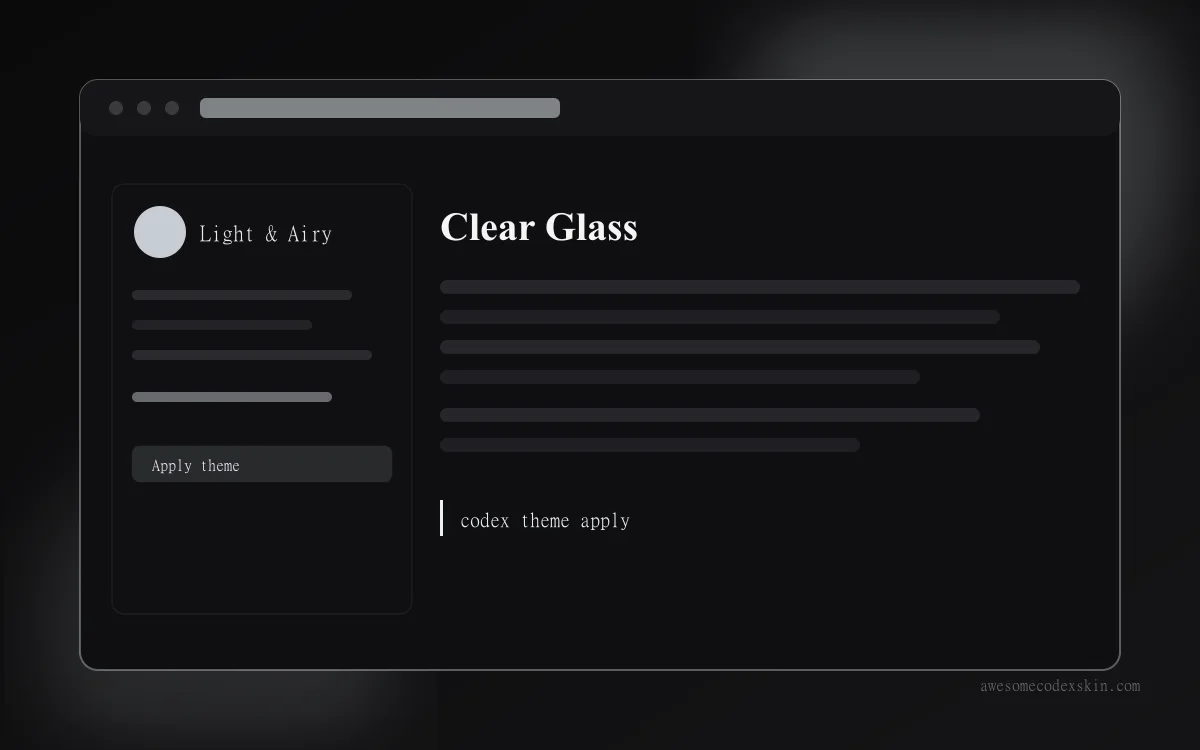 Clear Glass ~1,620 Installationen (geschätzt)
 Alle ansehen skins .