Theme File vs Prompt Preset: Two Ways to Skin Codex
A codex theme preset can arrive as a codedrobe file or as an agent prompt — same look, two delivery paths. Compare theme files vs prompt presets, see when each one wins, and how to pick.
A codex theme preset is any saved setup that reskins your editor in one move — but it can reach you in two very different shapes. One arrives as a file you import; the other arrives as a sentence you paste into the agent. If you’ve ever wondered why two “skins” that look nearly identical install completely differently, the split is codedrobe-vs-prompt, and the mechanism underneath decides which one is right for you.
Theme files: the codedrobe path / 主题文件:codedrobe 这条路
A codedrobe theme is a real artifact. It carries named colors, syntax scopes, and UI tokens in a fixed format, so what you import is exactly what everyone else gets.
Why people pick it: it’s reproducible. Drop the file in version control and the whole team sees the same palette on every machine. Edits are explicit — change one hex, the change is visible in the diff.
The catch: a file assumes the engine knows how to read it. If your Codex build doesn’t support codedrobe, the file just sits there.
Prompt presets: describe, don’t hand off / Prompt 预设:描述,而不是交付
A prompt preset skips the file entirely. You tell the agent “make it a frosted glass dark theme with teal accents” and it generates the skin on the spot.
Why people pick it: zero setup. No download, no format to learn, no import step. Great for trying an idea before you commit to it.
The catch: prompts are fuzzy. The same sentence can yield a slightly different result on another day or another model, and there’s no clean “file” to diff or archive.
Codedrobe vs prompt: the honest trade-off / codedrobe 对 prompt:实打实的取舍
| Angle | Theme file (codedrobe) | Prompt preset |
|---|---|---|
| Reproducibility | Exact, every time | Can drift between runs |
| Setup effort | Import once | Paste and go |
| Shareability | Version-controllable | Tell someone the sentence |
| Best for | Teams, backups, reviews | Quick personal experiments |
The preset mechanism is the same idea in both cases — a stored instruction that reskins Codex — but a file stores the result while a prompt stores the intent. One is a photograph, the other is a recipe.
When to use which / 什么时候用哪个
Reach for a theme file when the look has to be stable: shipping a standard skin to a team, backing up your setup, or reviewing someone’s palette change. Reach for a prompt when you’re exploring — “what if it were warmer?” — and don’t care yet about locking it down.
Most daily users end up doing both: prompt to audition, file to keep. That’s the healthy loop.
A few real starting points / 几个现成的起点
If you want a file-based skin to study, Clear Glass is a clean codedrobe example, and Monokai Stone shows a CLI-friendly palette done as a file. For prompt experiments, Cyber Neon and Forest Mist make good “describe me something like this” references on awesomecodexskin.com.
FAQ
Is a prompt preset less “real” than a theme file? Not really — it produces a working skin. It’s just less stable to share, because the agent rebuilds it each time instead of loading a fixed artifact.
Can I turn a prompt result into a file? Usually yes. Once you like a prompted skin, export or save it as a codedrobe theme so it stops drifting. That’s the move from experiment to keeper.
Do both paths show up in the same skin index? They do. awesomecodexskin.com lists skins by look and category, not by how they were delivered — so you can browse by vibe and pick the install method that fits.
In diesem Beitrag erwähnte Skins
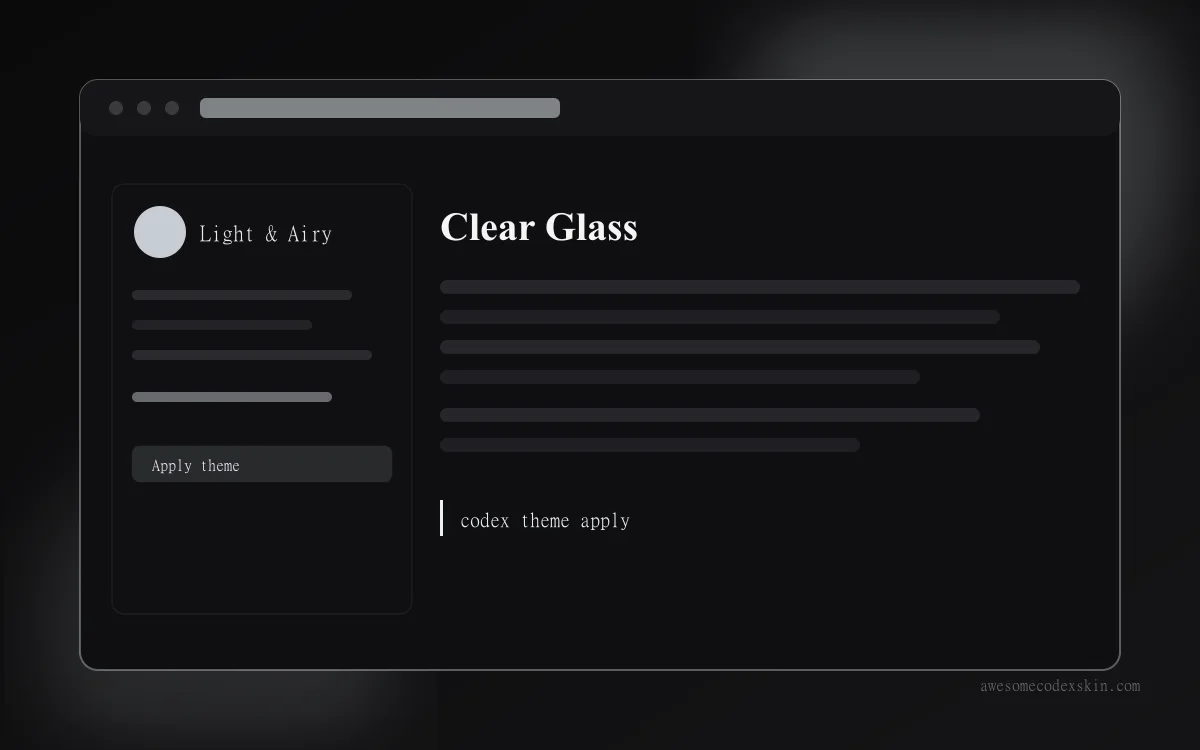 Clear Glass ~1,620 Installationen (geschätzt)
 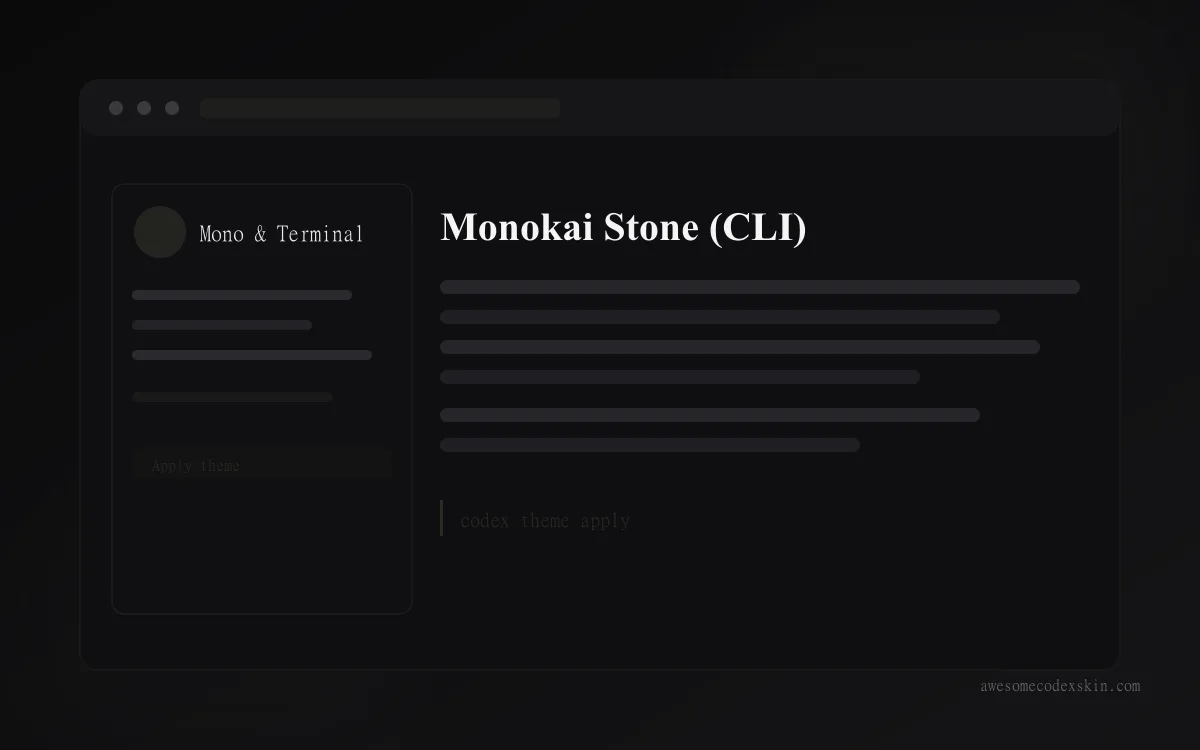 Monokai Stone (CLI) ~1,500 Installationen (geschätzt)
 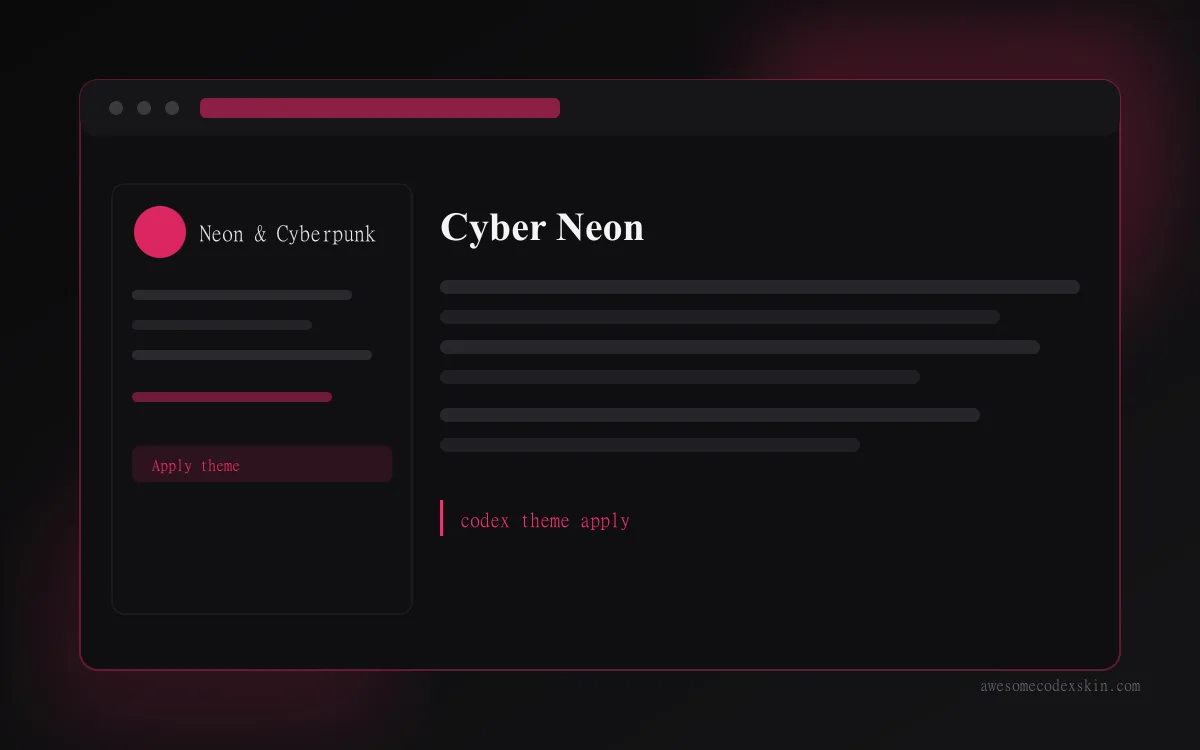 Cyber Neon ~1,180 Installationen (geschätzt)
 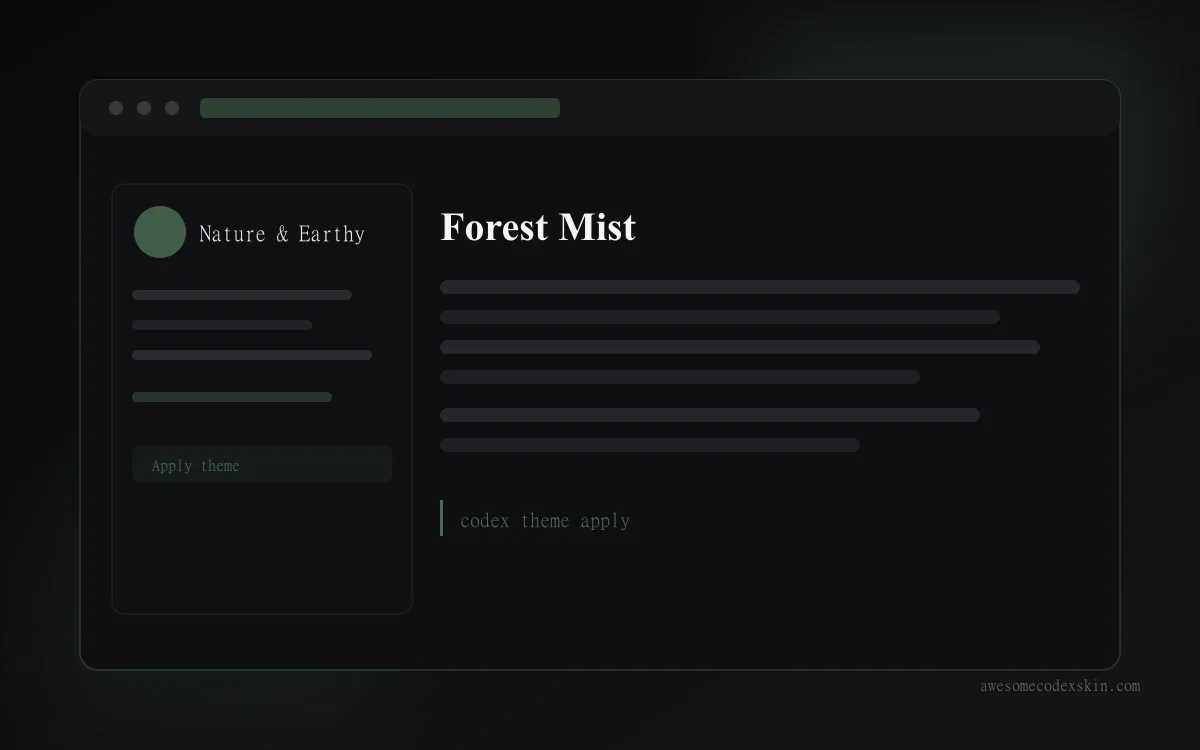 Forest Mist ~880 Installationen (geschätzt)
 Alle ansehen skins .