Versiones gratuitas y de pago de las skins de Codex: qué obtienes realmente
La mayoría de los temas de Codex son gratuitos. Los de pago prometen acabado, soporte y exclusividad. A continuación te explicamos qué obtienes realmente al pagar y cuándo lo gratuito es realmente suficiente.
Déjeme ahorrarle algo de dinero: la mejor piel de Codex que puede instalar ahora mismo es casi con toda seguridad gratuita. De las 99 pieles incluidas en este índice, la abrumadora mayoría son de código abierto o de uso gratuito. Existen pieles de pago, y no son una estafa, pero debe saber exactamente por qué está pagando antes de abrir su billetera.
Qué ofrecen las pieles gratuitas de Codex
Las pieles gratuitas provienen de tres lugares: repositorios de código abierto (como la colección Wangnov, la fuente individual más grande de este índice), autores de motores que distribuyen sus propios ajustes predefinidos y galerías comunitarias. Lo que todas tienen en común es lo siguiente:
- El tema completo —colores, indicadores o archivos de tema— totalmente funcional y listo para usar.
- Mantenimiento comunitario: los errores se corrigen por quienquiera que les preste atención.
- Cero riesgo: si no le gusta, la desinstala y no pierde nada.
Una piel gratuita como Sakura Pink Dawn o Hatsune Miku es un producto completo y pulido. No tiene nada de «versión de prueba».
Qué añaden realmente las pieles de Codex de pago
Las pieles de pago (normalmente unos pocos dólares) suelen incluir cuatro elementos que las pieles gratuitas no garantizan:
- Actualizaciones garantizadas. Una piel comercial promete compatibilidad con las actualizaciones del motor; una gratuita depende de la buena voluntad de la comunidad.
- Soporte técnico. Un correo electrónico o un servidor de Discord donde el autor responde a sus dudas sobre la configuración.
- Exclusividad. La paleta no aparece en todas las galerías, por lo que su entorno de trabajo tendrá un aspecto menos genérico.
- Coincidencia consistente entre múltiples herramientas. Muchos paquetes de pago incluyen la misma paleta para Codex, su terminal y su editor —el trabajo de sincronización ya está hecho.
Este último es el único rasgo por el que yo pagaría sinceramente: una paleta profesionalmente coordinada en cada superficie en la que programa. Berry (light journal) en este índice muestra cuánto esfuerzo requiere una paleta clara bien equilibrada; hacerlo manualmente para cuatro herramientas supone un verdadero trabajo.
Cuándo es suficiente una piel gratuita
- Quiere una buena piel para uso personal.
- Le parece aceptable corregir o cambiar una piel tras una actualización del motor.
- Le gusta navegar por galerías y probar nuevos diseños cada mes.
Aquí, lo gratuito no es una concesión. El ecosistema de código abierto para pieles de Codex es joven, pero sano, y los repositorios comunitarios están activos.
Cuándo merece la pena pagar
- Aplica nuevas pieles a todo un equipo y necesita coherencia y soporte técnico.
- Desea un paquete integrado para Codex + terminal + editor y no quiere montarlo usted mismo.
- Usa un motor especializado para el que hay pocas pieles comunitarias —una piel comercial podría ser su única opción pulida.
Cómo comprobar el precio de una piel antes de instalarla
Cada página de detalles de piel en este índice muestra su origen y autor. Los repositorios de código abierto son gratuitos por definición. Para pieles de pago, revise el sitio de origen antes de instalarla —y evite cualquier producto que exija pago por un ajuste predefinido básico. Ese es un patrón que conviene evitar.
Preguntas frecuentes rápidas
¿Son de mejor calidad las pieles de Codex de pago?
No necesariamente. La calidad en las pieles depende de la disciplina en la elección de la paleta y del mantenimiento, aspectos de los que muchos proyectos gratuitos de código abierto disponen ampliamente. Pagar le garantiza ciertas prestaciones, no necesariamente mejores colores.
¿Puedo obtener un reembolso si una piel de pago no funciona?
Depende de la tienda: la mayoría de tiendas comerciales de temas ofrecen reembolsos en un plazo de 14 días. Compruébelo antes de comprar.
¿Funcionan las pieles gratuitas con motores de pago?
Normalmente sí. Una piel es contenido; un motor es el software que la aplica. Las pieles gratuitas funcionan perfectamente en motores de pago como la versión profesional de Dream Skin, salvo que el motor bloquee artificialmente las importaciones.
¿Con qué pieles gratuitas debería empezar?
El índice completo contiene decenas. Pruebe Sakura Pink Dawn para unos tonos pastel suaves, Berry (light) para un aspecto limpio y diurno, o Amber Nocturne para un tema oscuro cálido. Todas son gratuitas y completas.
Empiece con lo gratuito. Solo pague cuando necesite garantías, soporte técnico o un paquete integrado para varias herramientas que no quiera ensamblar usted mismo. Explore el índice de pieles para ver cuánta calidad ya está disponible sin costo, o lea la guía de instalación para poner en marcha su primera piel.
Skins mencionadas en este artículo
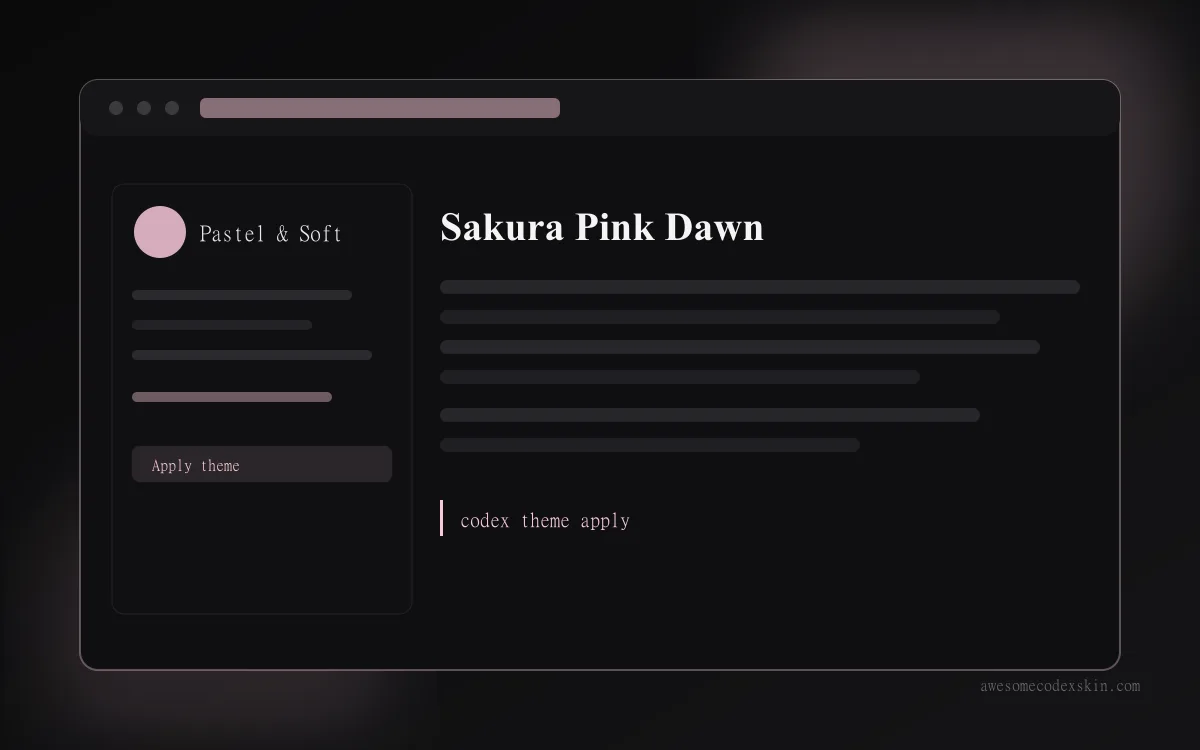 Sakura Pink Dawn ~1,020 instalaciones (aprox.)
  Berry (light journal) ~530 instalaciones (aprox.)
 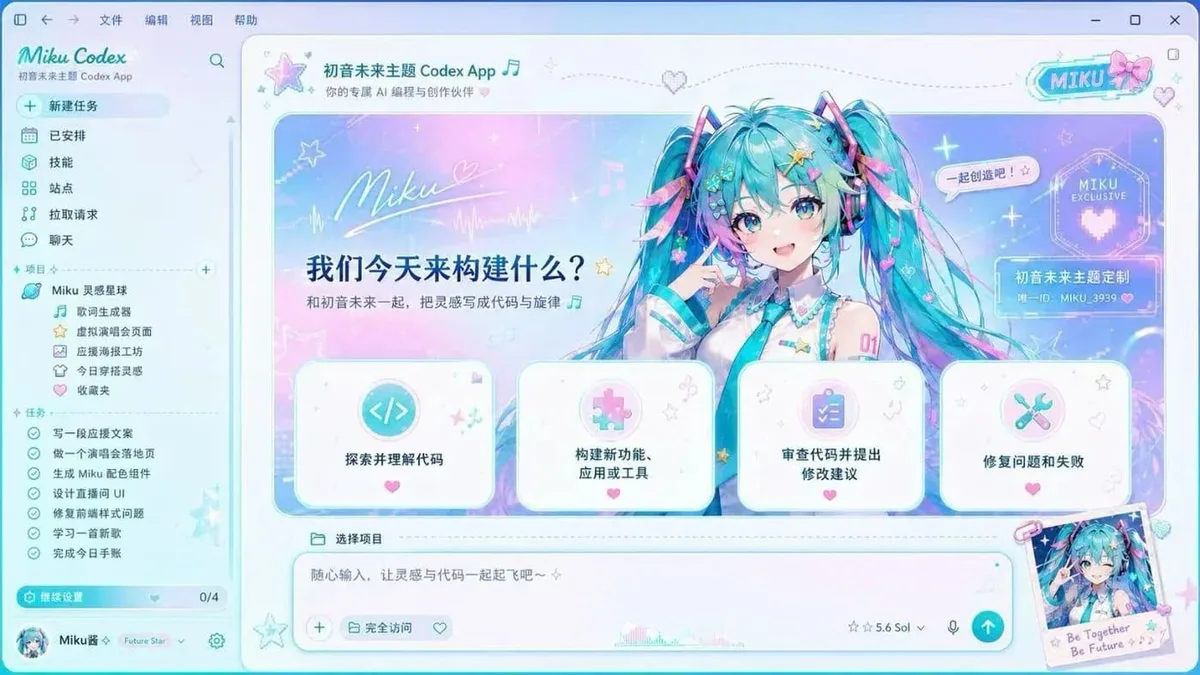 Hatsune Miku ~2,540 instalaciones (aprox.)
 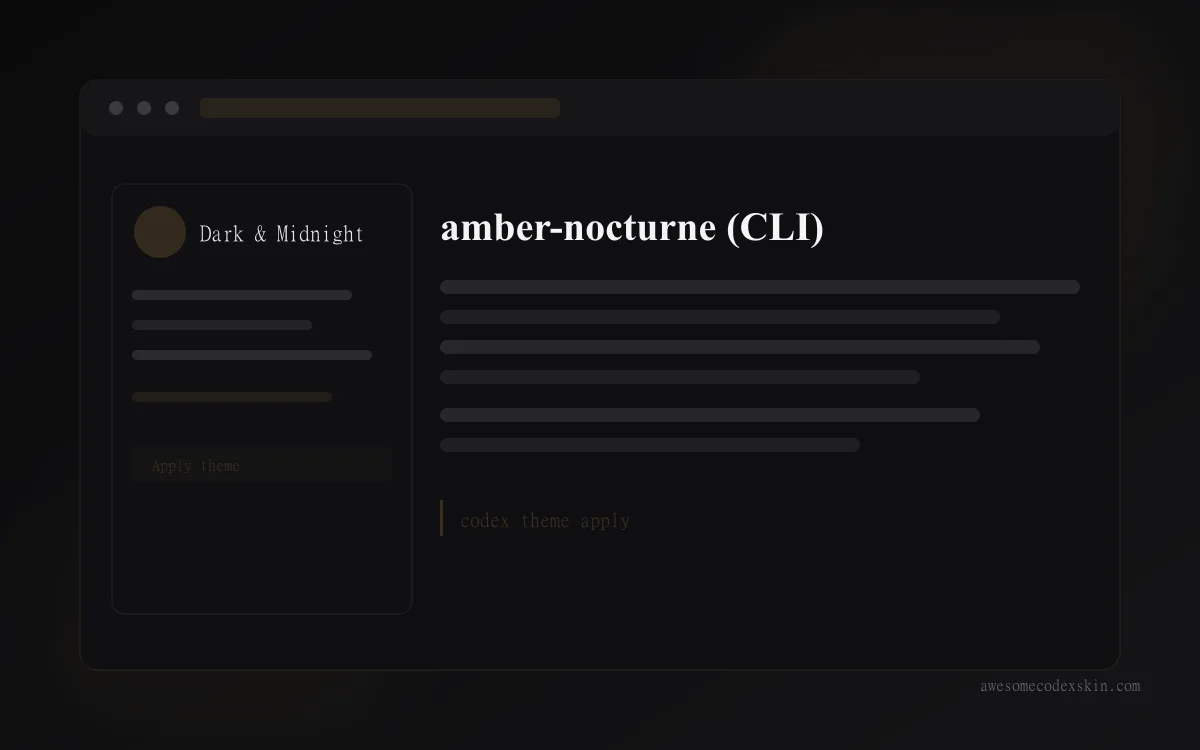 amber-nocturne (CLI) ~410 instalaciones (aprox.)
 Ver todo skins .