Best Red & White Codex Skins for a High-Contrast Setup
The best red and white Codex skins in the index — mecha signal red, neon red, and a deeper brick red that clears AA for long sessions, with install prompts and contrast notes.
A red white codex skin is a specific ask: two colors, hard separation, no muddy middle tone. That palette reads as warning signage, mecha cockpit, or arcade cabinet depending on how saturated the red is, and it does one practical thing better than most themes. It makes the boundary between UI chrome and code text obvious at a glance. If you have been hunting for a high contrast codex theme that does not drift into pink or rust after an hour of use, this list covers the ones in the index that hold the line.
What makes red and white work as a coding palette
Red sits at the long-wavelength end of the visible spectrum, which is why it pulls your eye faster than any other hue. Used on a small share of the screen, that pull is useful: errors, diffs, active tabs, and breakpoint markers all become hard to miss. Used on every surface, it becomes noise and your eyes stop responding to it at all.
White does the opposite job. It holds most of the screen area and gives the red somewhere to sit. The reason this pair reads as high contrast rather than harsh is luminance separation: white near the top of the range, a mid-dark red that still carries enough brightness to stay legible as text.
Two failure modes to watch for. Pure #FF0000 on pure white gives a contrast ratio around 4:1, which fails WCAG AA for body text. And a red that leans orange starts reading as warning-yellow to a lot of viewers, which is the fastest way to make a theme feel cheap.
1. Red-White Sci-Fi (red-white-scifi)
A Dream Skin engine preset built around mecha panel lines and a warning red on white. The red here is #E63946, a slightly muted signal red that survives being used on larger surfaces. Best if you want the sci-fi reading of the palette without neon glow, and it is the closest thing in the index to a true red scifi skin.
Codex, apply the 'Red-White Sci-Fi' preset — mecha lines with warning red/white futurism.2. Red-White Sci-Fi, community build (red-white-sci-fi)
Same name and same base color, contributed separately to the index. Worth comparing side by side with the engine preset, because the two handle the same #E63946 differently at the panel borders. Pick this one if the first reads too flat on your display.
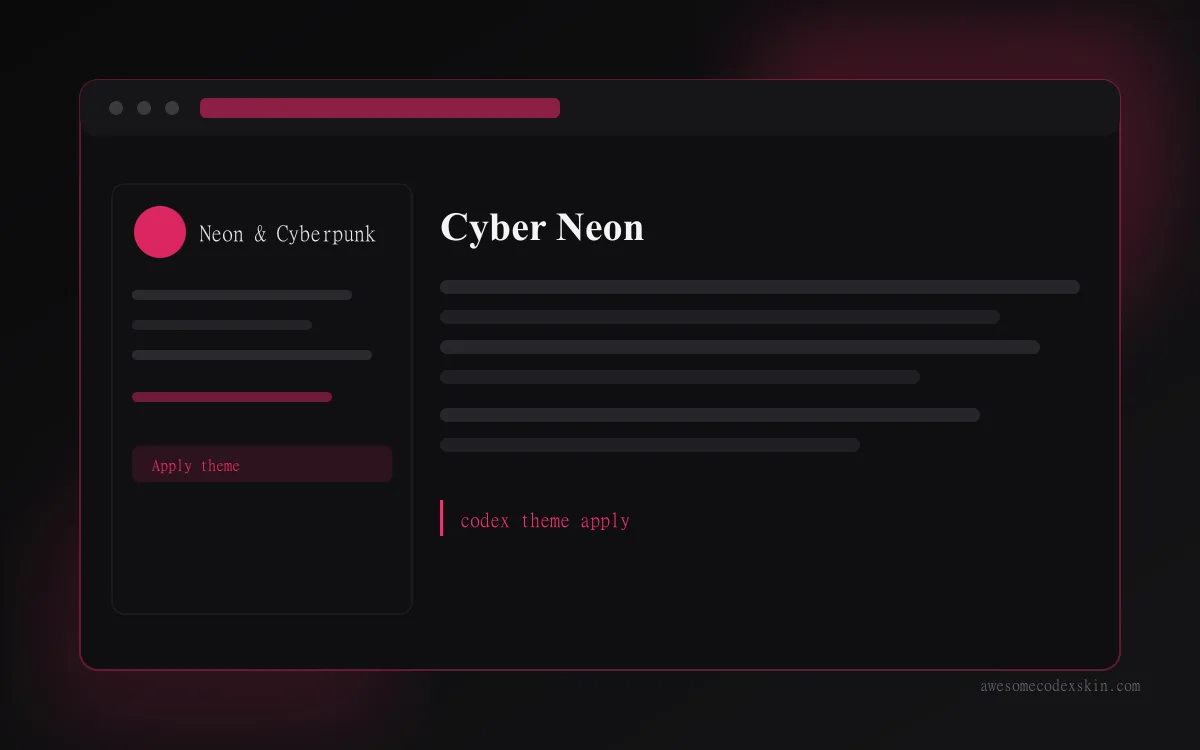
3. Cyber Neon (cyber-neon)
Not strictly two-tone, but the base is #FF2A6D on near-black with white text, and the red is the loudest thing on screen. Choose this when you want the red and white contrast plus actual glow on accent elements.
4. Kung Fu Women’s Football (kung-fu-women-s-football)
A sports-themed entry at #C0392B, a deeper brick red. Because the red is darker, white text on it clears AA comfortably, which makes it the safest of the four for long reading sessions.
| Skin | Base red | Best for | Contrast note |
|---|---|---|---|
| red-white-scifi | #E63946 | Mecha / sci-fi look | White surfaces, red accents |
| red-white-sci-fi | #E63946 | Same palette, different panel treatment | Compare before committing |
| cyber-neon | #FF2A6D | Neon accent work | Red on dark, glow enabled |
| kung-fu-women-s-football | #C0392B | Long sessions | Dark red, white text clears AA |
Getting a red scifi skin to stay readable all day
- Keep red off body text. Use it for keywords, diffs, and status marks, and let white or near-white carry paragraphs.
- Check the syntax colors. Most themes ship four to six syntax hues; if two of them are both red-family, rename one to amber or teal.
- Test with your terminal. A Codex Desktop skin and your terminal theme fight each other if both claim red for errors. Pick one owner for red.
- Dim the chrome. Borders and scrollbars in saturated red are the main source of fatigue in this palette.
- Verify at 4:1 minimum for any text below 18px. Most editors can show the computed ratio in a color picker.
FAQ
Is a red and white theme bad for night work? Not inherently, but the white half is the problem, not the red. If you code after dark, pair the red with a light gray instead of pure white, or move to a dark red-on-black variant like Cyber Neon.
Why does my red look orange on one monitor?
Panel gamut. A wide-gamut display renders #E63946 more saturated than an sRGB office panel. Calibrate, or shift the hue a few degrees toward magenta.
Can I use these on Codex CLI? Red-White Sci-Fi and Cyber Neon are Desktop presets. For CLI you want a mono or terminal entry such as Monokai Stone, then override your terminal’s own red with the same hex to keep them consistent.
Does a high contrast theme slow down rendering? No measurable difference. Contrast is a color choice, not a shader.
Try one
Full specs, preview images, and install prompts for every skin in this list are on awesomecodexskin.com. Start with Red-White Sci-Fi, compare it against Cyber Neon if you want glow, and read high contrast Codex skins for accessibility before you tune the syntax colors by hand.
Skins mentionnées dans cet article
 Red-White Sci-Fi ~640 installations (est.)
  Red-White Sci-Fi ~640 installations (est.)
  Cyber Neon ~1,180 installations (est.)
  Kung Fu Women's Football ~430 installations (est.)
 Tout voir skins .