Light vs Dark Codex Skins: Pick by How You Work
A light vs dark codex skin decision comes down to the room you code in. Here is the best codex skin for daylight, where dark vs light flips back, and how to run both on one machine without friction.
Light vs Dark Codex Skins: Pick by How You Work
Most people settle the light vs dark codex skin question by habit and then defend the result for years. That is backwards. The best codex skin for daylight and the one you want at eleven at night are two answers to one question, and the choice depends far more on your room than on your taste. Below is what each side actually costs you, where the dark vs light trade flips back, and how to keep one of each installed without turning a switch into a project.
Your room decides more than your taste
Three variables matter, and only one of them is personal preference:
- Ambient light. Bright daylight makes a dark surface a small bright rectangle punched into a dim surround. That mismatch, not the brightness itself, is what tires eyes.
- Screen surface. Glossy panels throw reflections that wash out light themes and grey out dark ones. Matte panels behave differently under the same lamp.
- Session length after sunset. If most of your work happens before 6pm, a light skin is the default answer. If most of it happens after, a dark one is.
Personal preference still exists, but it mostly decides which light or which dark skin you keep, not which side you land on. Every skin in this index sits in either light-airy or dark-midnight, so you can filter by that first and argue about palettes second.
Where light codex skins win
Light themes do two things well: they read correctly under daylight, and they keep code legible against a background that does not glow. Both light picks below are one-line prompt installs in Codex Desktop.
| Skin | Category | Base color | Install | Source |
|---|---|---|---|---|
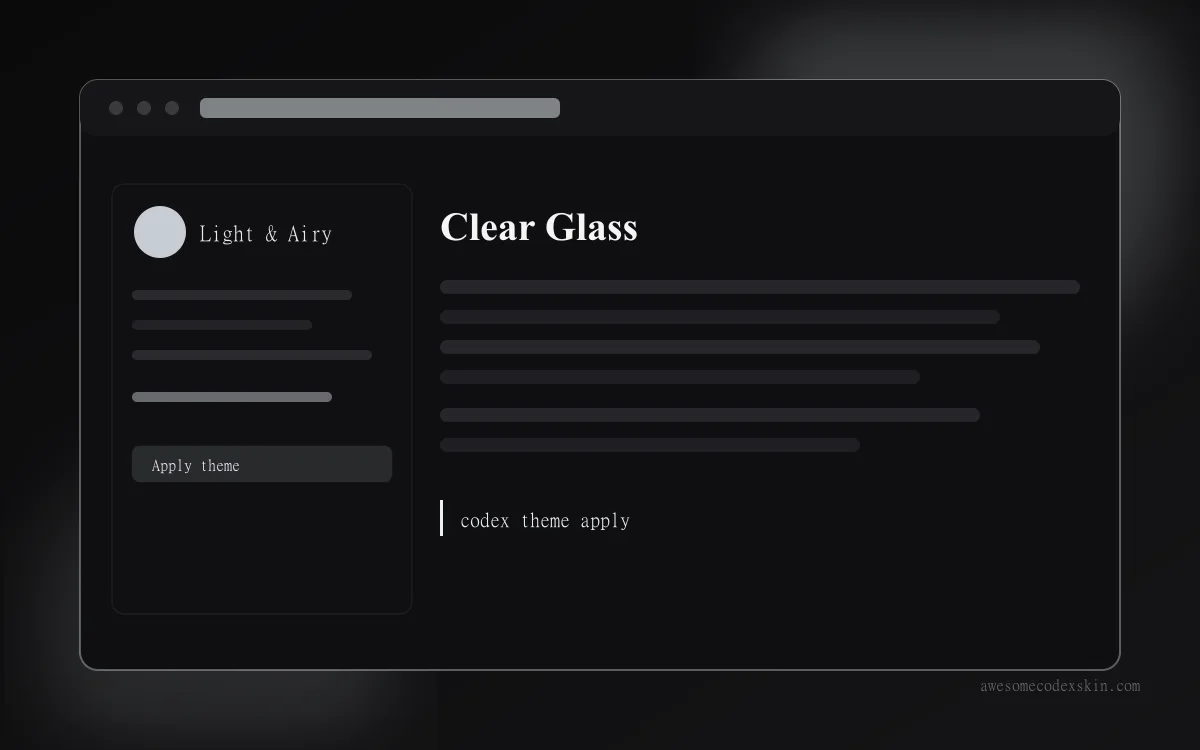
| Clear Glass | light-airy | #E8EFF5 | prompt | Codex Dream Skin (Fei-Away) |
| Berry (light journal) | light-airy | #DCEEF2 | prompt | community contribution |
Clear Glass uses translucent panels at a high-key #E8EFF5, which means it disappears during the day and leaves the code as the brightest thing on screen. It carries 1,620 recorded installs and 305 likes at the time of writing, numbers that put it near the top of the light side. Berry (light journal) sits a shade cooler at #DCEEF2 and reads more like paper than like glass, at 530 installs.
The honest downside: both of these lose their advantage the moment the sun drops. A light panel in an unlit room is a lamp pointed at your face.
Where dark codex skins win
Two situations favour dark, and they are not the ones people usually cite. The first is a genuinely dim room. The second is long reading sessions where you scan more than you type, because syntax colours separate more cleanly against a dark base.
| Skin | Category | Base color | Install | Platform |
|---|---|---|---|---|
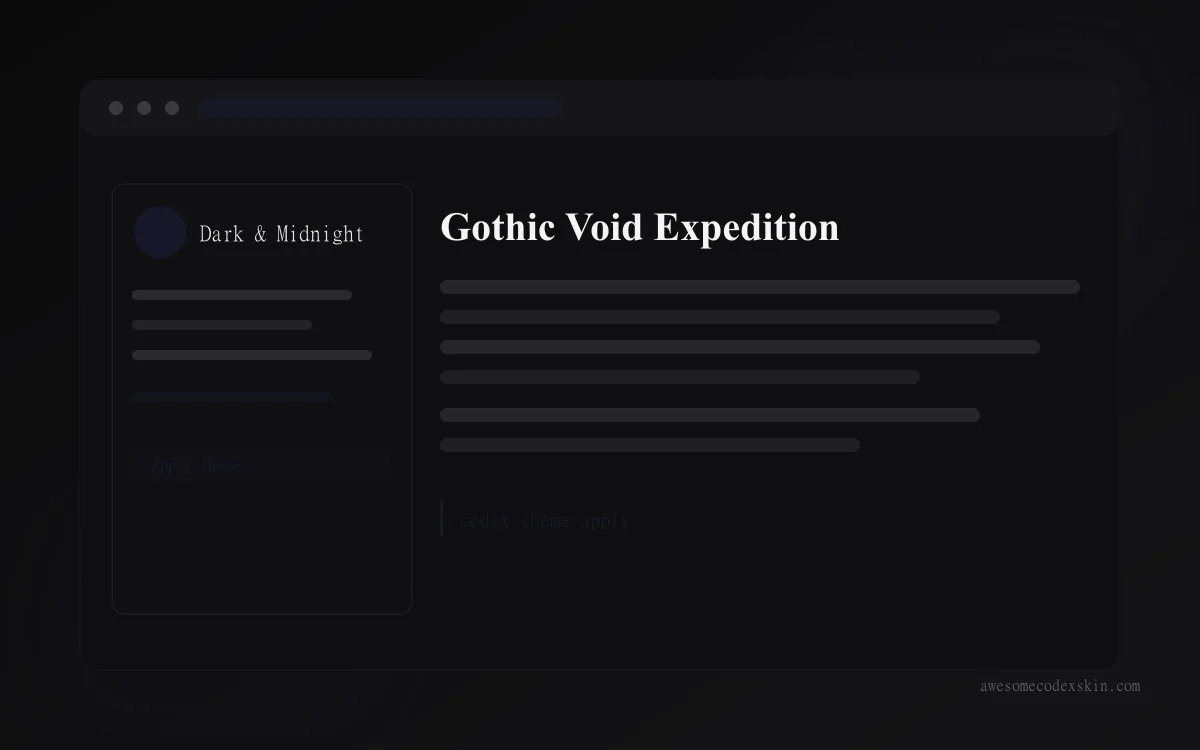
| Gothic Void Expedition | dark-midnight | #1A1A2E | prompt | Codex Desktop |
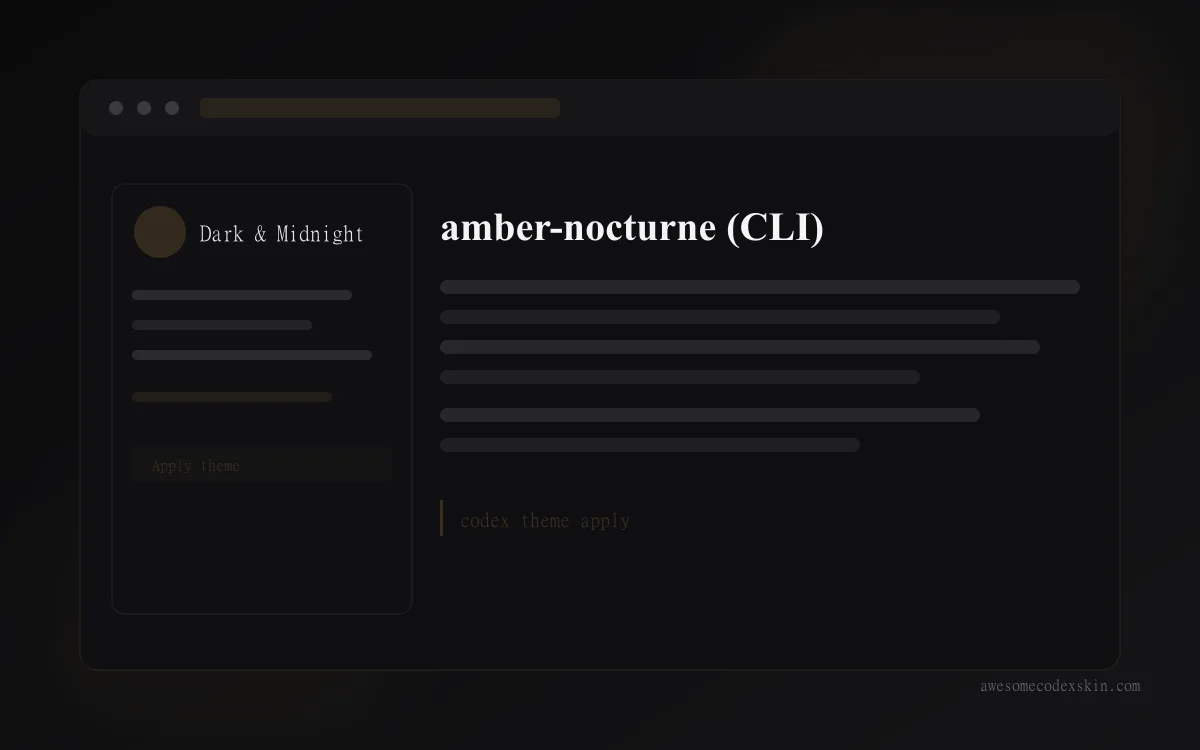
| amber-nocturne | dark-midnight | #3B2F1E | codex-theme apply | Codex CLI |
Gothic Void Expedition is the default preset of the Dream Skin engine and the most-installed skin in the index at 2,103 installs and 412 likes. It runs near-black with a faint horizon glow, and it is the safest first dark skin because the engine that ships it also handles restore. amber-nocturne comes from the Go-based codex-themes CLI at #3B2F1E, a warm dark rather than a cool one, applied with codex-theme apply amber-nocturne.
Warm darks deserve attention here. A near-black surface in a sunlit room is hard to read; a warm brown-dark is noticeably less so. If you will not switch skins twice a day, that difference matters more than any preference argument.
Contrast, and why both sides can pass
| Factor | Light skins | Dark skins |
|---|---|---|
| Typical background | #E8EFF5, #DCEEF2 | #1A1A2E, #3B2F1E |
| Text contrast | strong, easy to keep above 7:1 | strong, but whites can halo |
| Failure mode | glare and reflections | blooming around thin glyphs |
| Best matched to | daylight, matte screens | dim rooms, high-DPI displays |
Both rows pass accessibility targets when built properly. What fails is usually pair selection, not the base colour: a mid-grey comment colour disappears on light backgrounds, and a pure white body text blooms on black. The darker the base, the more likely you need to drop pure white to something like #E6E6E6 for body text.
Running two skins a day without friction
Switching is only annoying if it takes more than ten seconds. Set it up once:
- Install one light preset and one dark preset, both
promptformat, so each is a single sentence into Codex Desktop. - For CLI work, install the codex-themes tool once and keep
codex-theme listhandy.codex-theme applyswaps palettes without touching config files. - Write both install prompts into a note pinned next to your editor. Typing the same sentence every morning is faster than remembering which one you meant.
- Switch when the room changes rather than on a timer. Lights on at dusk, or someone opening a blind, is the real trigger.
Keep both listed on the same /skins/ filter so you are never scrolling for the second one.
How to pick in five minutes
Read these in order and stop at the first one that describes you:
- You work mostly before sunset → start with Clear Glass at
/skins/clear-glass/. - You work mostly after dark → start with Gothic Void Expedition at
/skins/gothic-void-expedition/. - You refuse to switch twice a day → start with a warm dark like
/skins/amber-nocturne/, which tolerates daylight better than near-black does. - You live in Codex CLI →
codex-theme applygives you palette swapping without opening Desktop at all. - You cannot decide → install Clear Glass now and a dark partner this evening. Ten minutes total, and you will know by tomorrow which one you reach for.
FAQ
Do light themes really cause less eye strain? In bright rooms, yes. The strain comes from the mismatch between screen luminance and room luminance, and a light skin matches a lit room better. In a dark room the same argument points the other way.
Should my Codex skin match my terminal theme?
It helps, and it is easy to do from either direction. Matching makes screenshots and screen shares coherent; the export direction is covered at /blog/export-terminal-palette-from-codex-skin/.
Which side has more skins in the index?
Dark does, and not by a small margin. If you want the widest palette choice, filter /skins/ by dark-midnight first, then read /blog/best-light-codex-skins/ to see how few good light options are actually needed.
Can I go back to the default after installing?
Yes, and on either platform. Dream Skin handles one-click restore for its own presets, and codex-theme reverts the same way it applies.
Related Skins
- Clear Glass - clean light companion, best codex skin for daylight desks
- Berry (light journal) - paper-like light palette for reading-heavy work
- Gothic Void Expedition - the dark side’s default, most-installed skin in the index
- amber-nocturne - warm dark for CLI users who tolerate some daylight
Every skin here lives on awesomecodexskin.com, where you can filter the full 103-entry index at /skins/, read the install guide first, and check contrast numbers with the accessibility guide. Already published comparisons worth reading next: Codex Light vs Dark Skins and Best Dark Codex Skins. Browse everything else at /blog.
이 글에서 소개한 스킨
 Clear Glass 설치 약 1,620회(추정)
  Berry (light journal) 설치 약 530회(추정)
  Gothic Void Expedition 설치 약 2,103회(추정)
  amber-nocturne (CLI) 설치 약 410회(추정)
 모두 보기 skins .