Best Codex Skins by Color: Blue, Purple, Green
Picking a Codex skin by color beats reading hex tables. The best blue codex skin entries, the purple codex theme options worth installing, and the green editor skin picks that stay readable in a long session.
Color narrows a Codex skin faster than any spec sheet. You usually know whether you want a cool blue, something purple, or a muted green long before you care about hex values or install formats. This index carries 99 skins across eight curated categories, and blue, purple and green account for a large share of what people actually install. The best blue codex skin for your setup depends less on the shade than on whether you run Codex CLI or Codex Desktop, so every pick below leads with its platform. Purple codex theme entries sit at the saturated, neon end of the catalogue, and the green editor skin picks come from the nature side and read quieter on screen.
One thing to get straight first. The swatch on a skin page is that skin’s primary accent, not the background it sits on. Two skins can share a blue accent and look nothing alike once one of them pairs it with a near-black panel and the other with a light gray one.
Three other things decide how a color actually reads during a session:
- Background contrast. A saturated accent on a dark panel looks brighter than the same hex on a light one, because your eye judges it against what surrounds it.
- How much of the screen the accent covers. Accents used for syntax tokens feel louder than accents reserved for one status line.
- How long you sit in front of it. Neon holds up for an hour and wears out over eight. The eye strain write-up covers the adjustments people make after the first week.
The platform tag matters more than any of this, though. A skin built for Codex CLI will not apply in Desktop, and the other way around.
Blue: two entries, two install paths
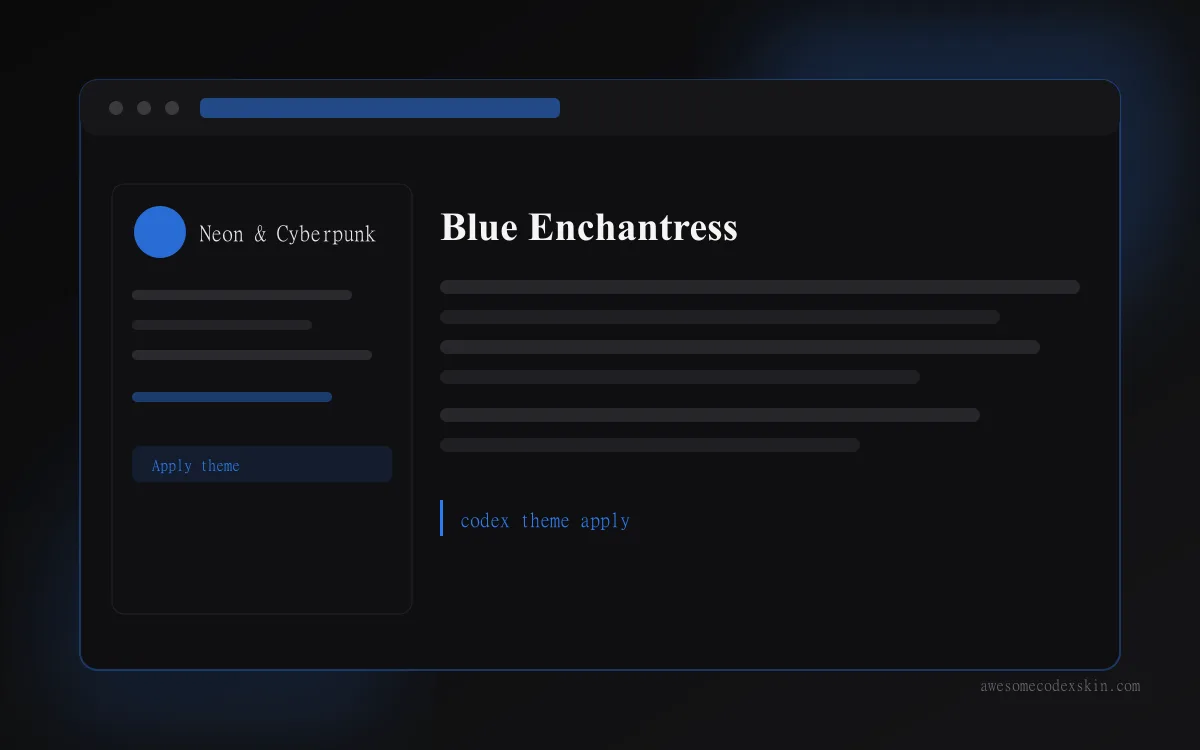
Blue Enchantress is the blue most people mean when they ask for one. It comes from codexthemes.ai, targets codex-desktop, and runs on an electric blue accent at #2D7DF6 filed under neon-cyberpunk. It is a prompt install: you copy the gallery prompt into Codex and the skin applies. 510 recorded installs and 84 likes put it in the middle of the pack, which for a single-color gallery entry is a decent showing.
蓝窗信使 Blue Window is the other blue, and it behaves differently in almost every way. It is a community contribution from freestylefly, listed under the catch-all other category with a neutral #888888 chip, and its install format is manual: you visit the source repo and follow its instructions rather than pasting a prompt. It has no install or like counts recorded, which is normal for community imports that have not been picked up in bulk yet.
The practical split: take Blue Enchantress if you want a blue that is ready in one paste. Take Blue Window if you want to see what a community author did with the same idea and do not mind reading a README first.
Purple: saturated and CLI-first
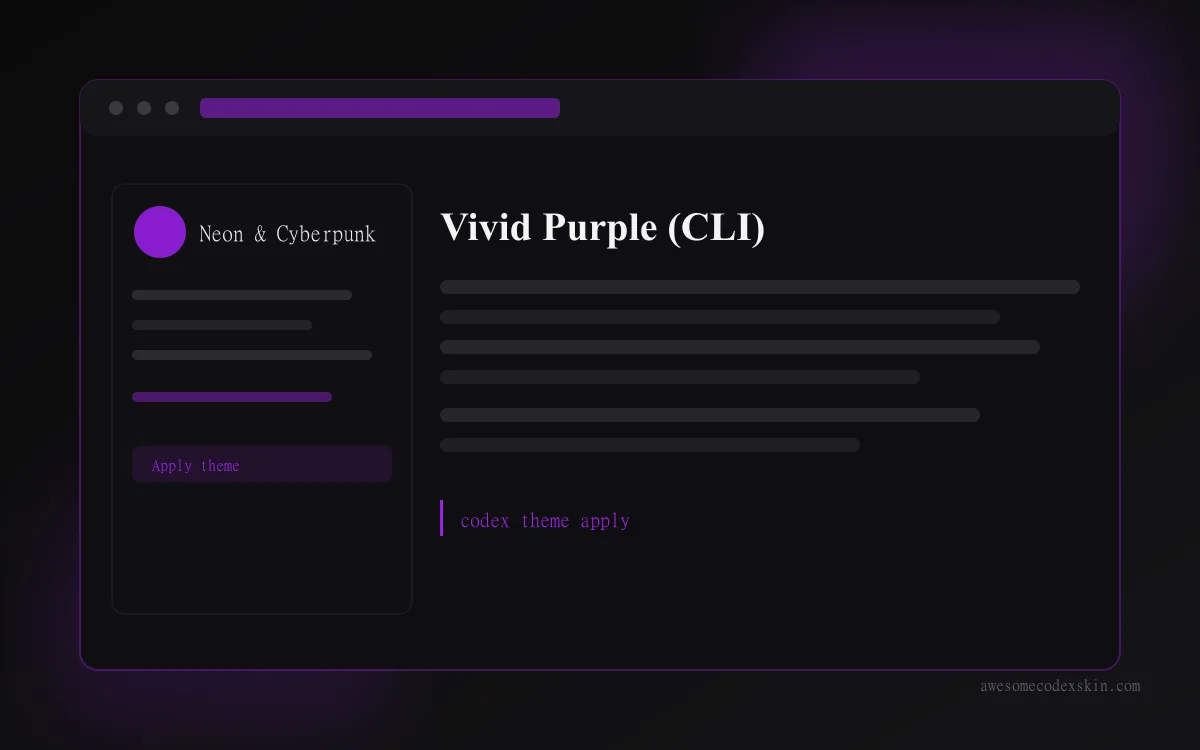
Vivid Purple (CLI) is the purple codex theme entry with real usage behind it. vufly ported it through Bearded Theme Ports, so it arrives as a .tmTheme file rather than a prompt, and it targets codex-cli. Install runs through the collection’s installer script, then /theme Vivid Purple inside a session. Its accent is #A020F0, filed under neon-cyberpunk with a bold mood, and it carries 620 installs and 115 likes.
Purple behaves differently from blue in one specific way. Blue recedes. Purple sits forward, so syntax tokens in purple pull your eye toward them whether you meant to look there or not. If you work mostly in one or two languages, that is fine and arguably helpful. If you jump between five file types in a session, it gets tiring faster than blue does.
Because this one is a CLI .tmTheme, it will not apply in Codex Desktop. The CLI vs Desktop comparison explains which install routes work on each platform before you spend time on the wrong one.
Green: the quiet end of the palette
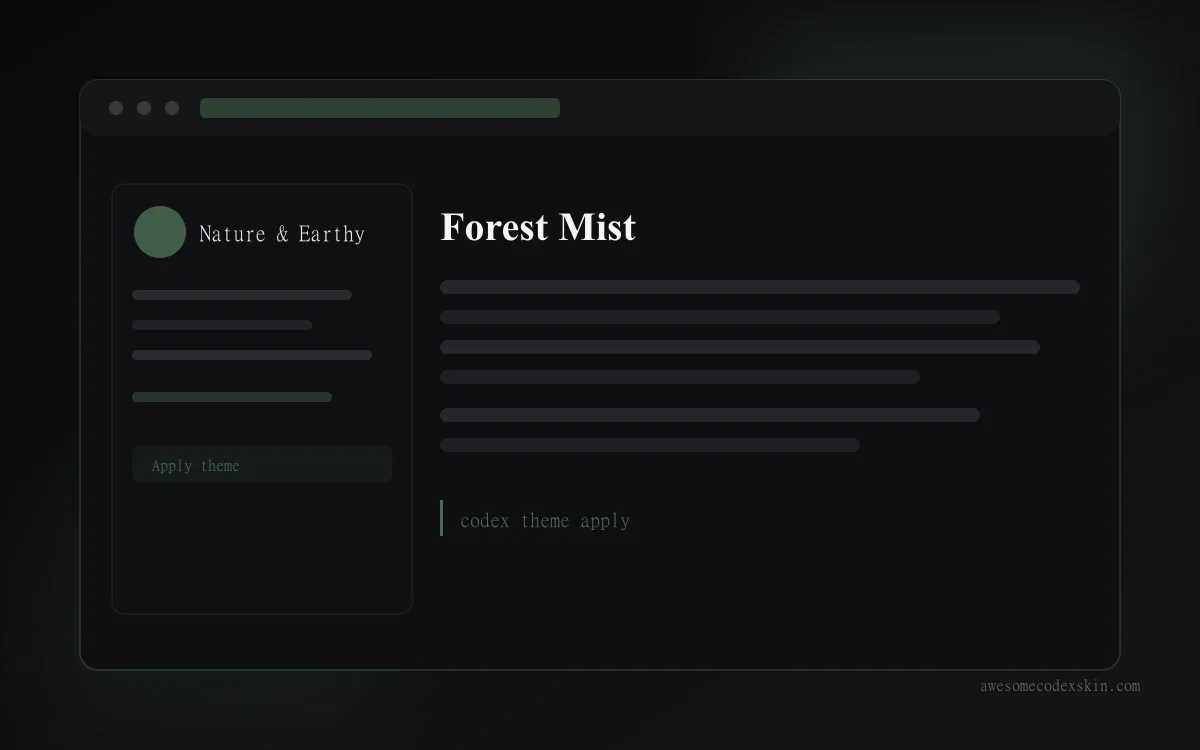
Forest Mist is the green editor skin worth starting with, and it is the most-installed of the four here at 880 installs and 167 likes. It comes from the Cidala Tiger Skin project under an MIT license, targets codex-desktop, and installs by prompt. Its accent is #4A6B52, a muted green-gray filed under nature-earthy with a tranquil mood, and it is marked featured in the index.
The description on the page gets the intent right: it trades neon for a calm green-gray gradient meant to read like low woodland fog. That is a different design goal from the two neon entries above. Forest Mist is built to stay in the background for hours. Green also has one practical advantage over both blue and purple: it is legible at low brightness, so it survives a dim room and a dimmed screen better than a saturated accent does.
Choosing by where you work
| Blue Enchantress | Vivid Purple (CLI) | Forest Mist | |
|---|---|---|---|
| Accent | #2D7DF6 electric blue | #A020F0 saturated purple | #4A6B52 muted green |
| Platform | codex-desktop | codex-cli | codex-desktop |
| Install format | prompt | tmtheme, then /theme | prompt |
| Category | neon-cyberpunk | neon-cyberpunk | nature-earthy |
| Author | codexthemes.ai | vufly | gh283249008 |
| Installs / likes | 510 / 84 | 620 / 115 | 880 / 167 |
| Reads as | bright, forward | loud, token-forward | quiet, background |
Session length is the tiebreaker. Under two hours, any of the three works. Past four, the green holds up and the purple is the first one people swap out.
Quick FAQ
Which color is easiest on the eyes for long sessions? The green. Muted accents at low saturation keep their contrast at lower brightness, where saturated blue and purple start to blur. The light vs dark comparison covers the same question from the background side.
Can I use a CLI skin in Codex Desktop?
No. Vivid Purple is a .tmTheme built for codex-cli. Desktop skins install through prompts or theme files, which is why Blue Enchantress and Forest Mist both use the prompt route.
Do these colors slow Codex down? No measurable difference. A skin is a palette read at startup, and the performance notes have the timings if you want to check.
How do I go back if I dislike one? Run the reset steps in the uninstall walkthrough. Nothing here touches your config permanently.
Try one this week
Start with Forest Mist if you work long sessions, Blue Enchantress if you want a blue in one paste, or Vivid Purple (CLI) if you are on Codex CLI and want something loud. Every skin is catalogued on awesomecodexskin.com with its install format, accent hex, and compatible platform on the detail page. The install guide walks through each method, and the full index is at /skins/.
Скины из этого поста
 Blue Enchantress ~510 установок (оценка) 蓝窗信使 Blue Window ~0 установок (оценка)
  Vivid Purple (CLI) ~620 установок (оценка)
  Forest Mist ~880 установок (оценка)
 Посмотреть все skins .